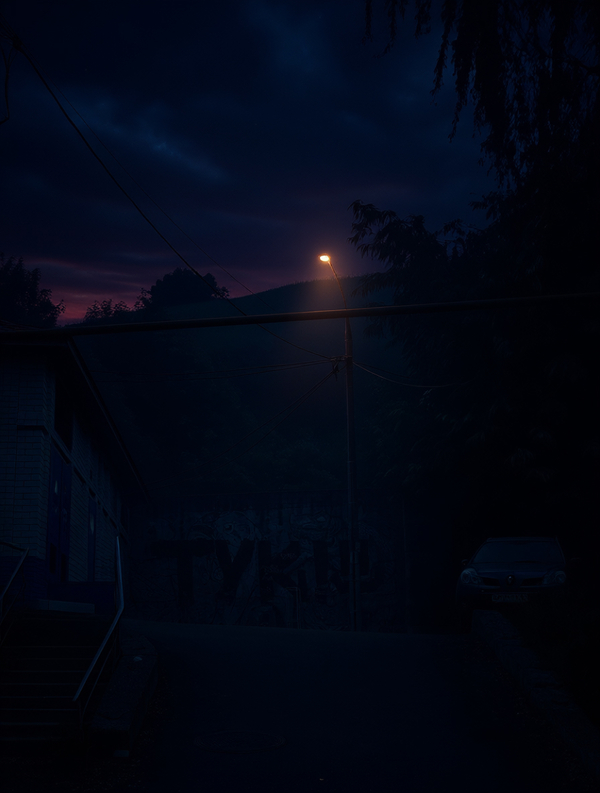
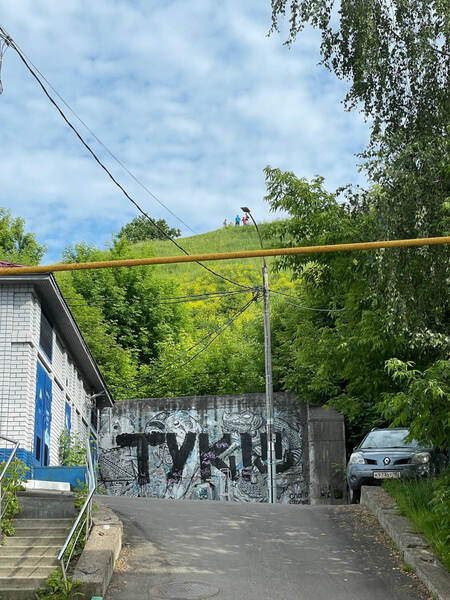
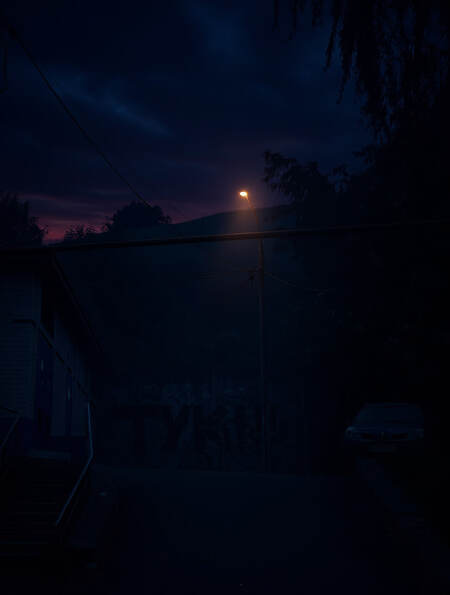
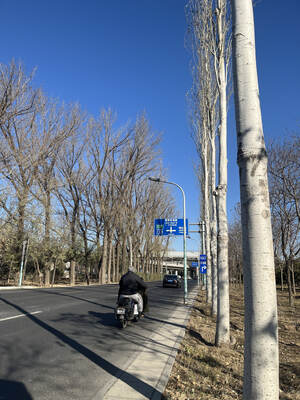
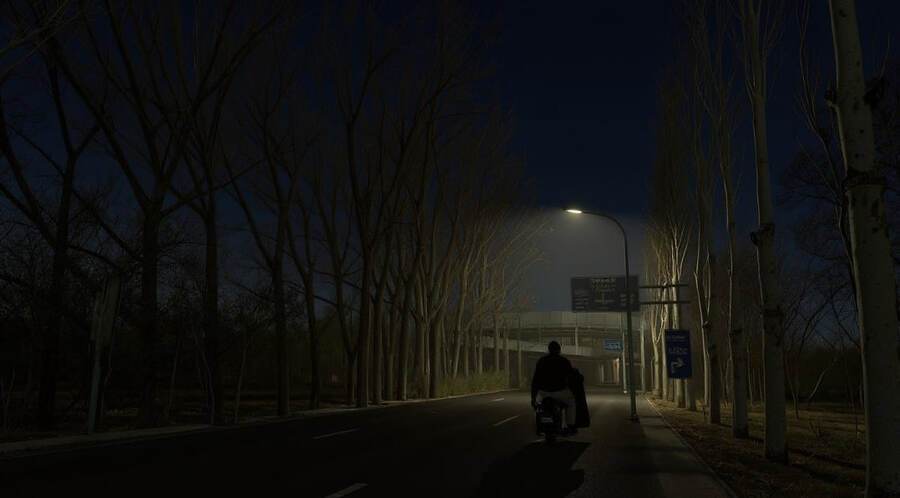
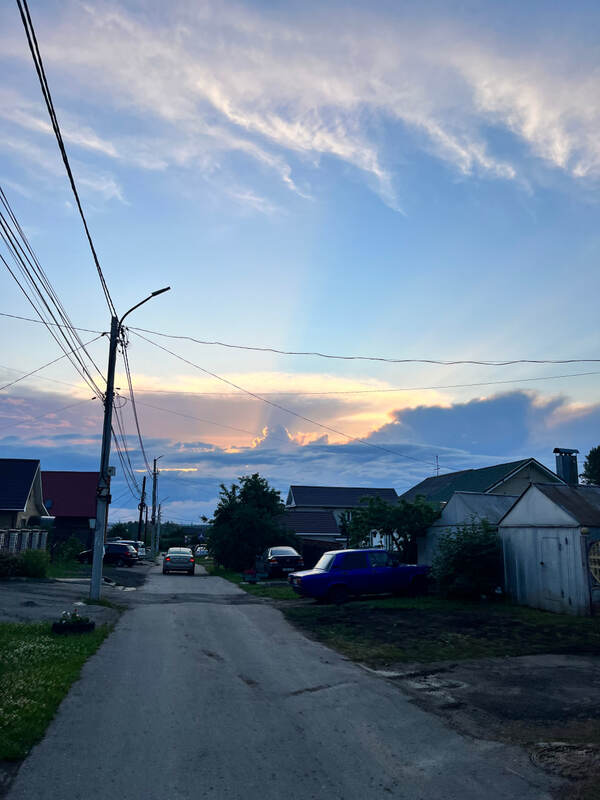
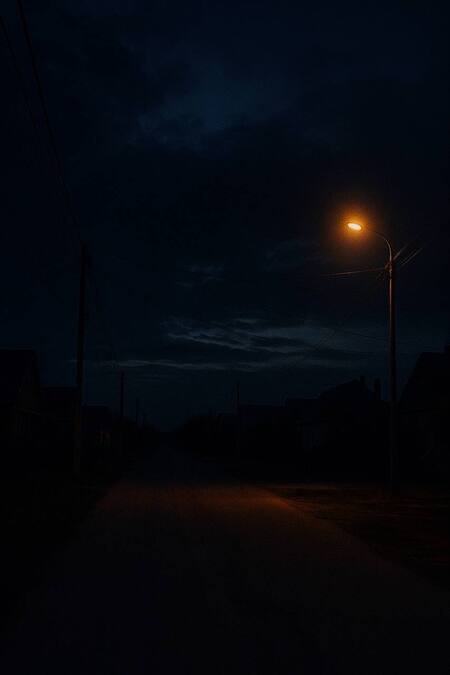
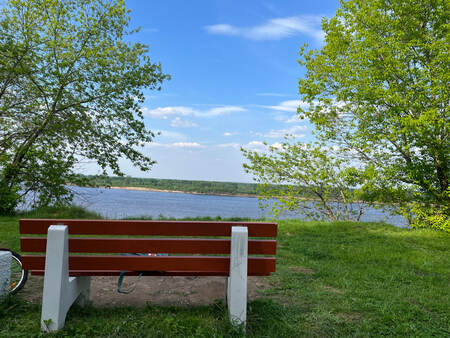
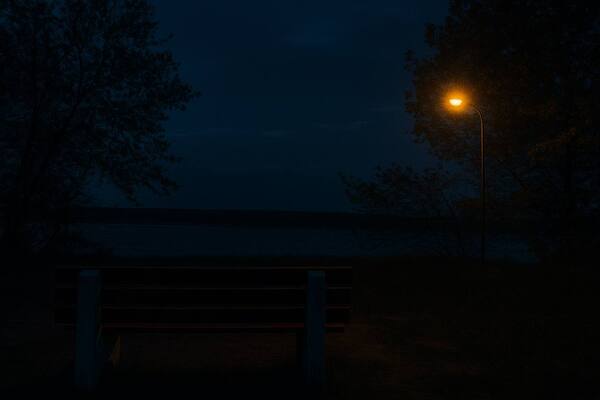
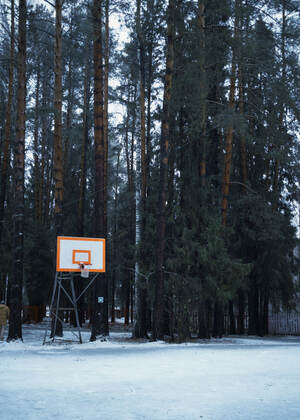
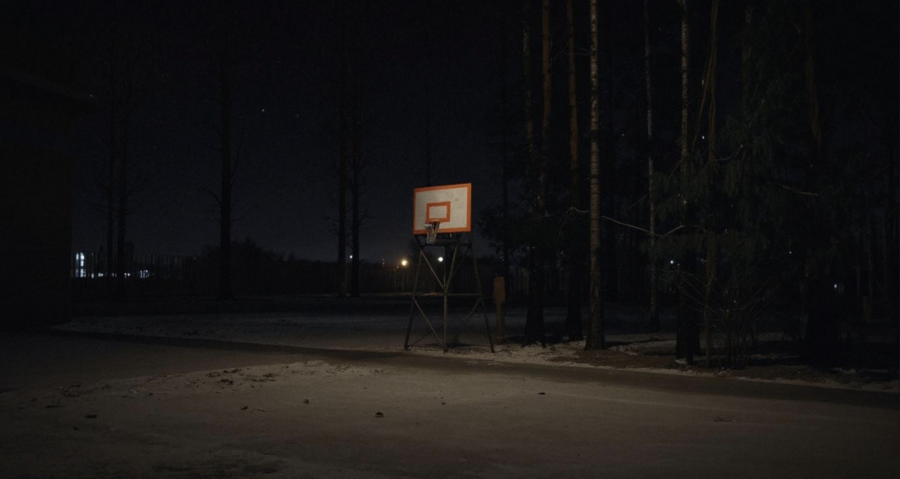
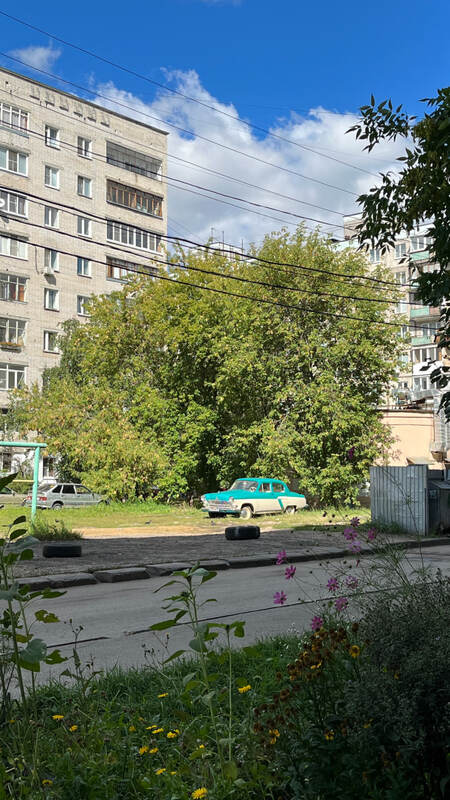
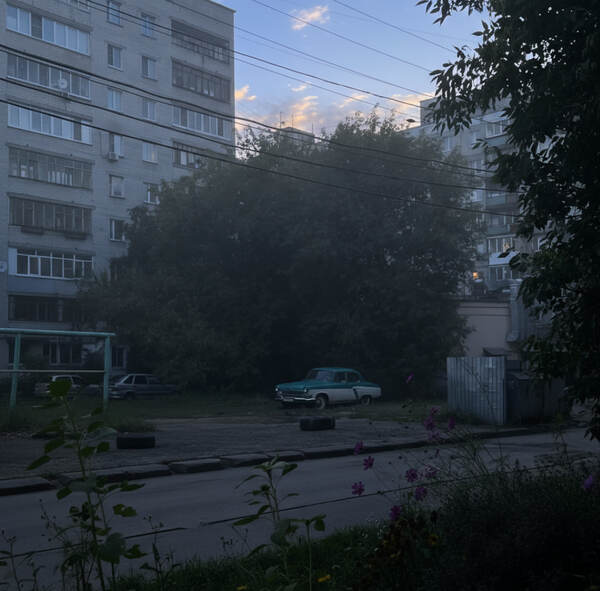
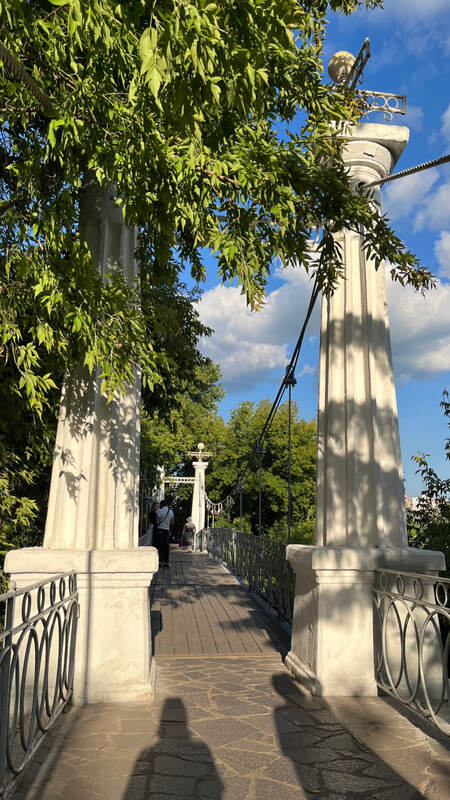
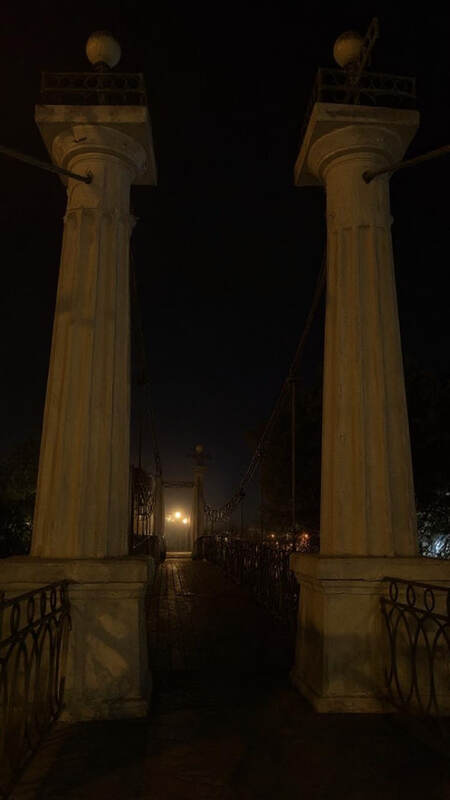
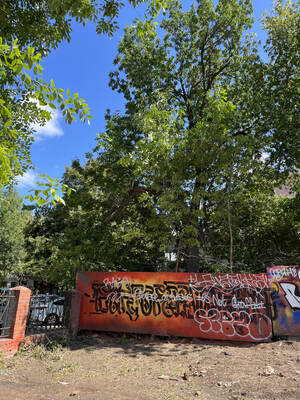
Лиминальные пространства — переходные места или состояния, которые вызывают чувство неопределённости, жути и сюрреализма, потому
что они находятся между двумя известными состояниями или локациями и лишены своего обычного наполнения.
Идея: Совместить что-то близкое, приятное и комфортное с чувством чужого, неприятного, неестественного.
Ход работы:
1) Определение, по какому принципу создаются жуткие и лиминальные пространства
2) Создание и поиск фото источников
3) Генерация изображений
4) Отбор материала
Промт:
Creating a feeling of liminal space, generate new pictures
What creates the feeling of liminality:
Emptiness and lack of people
Transitional nature of space
Function uncertainty
Artificial lighting
Nostalgia and recognition
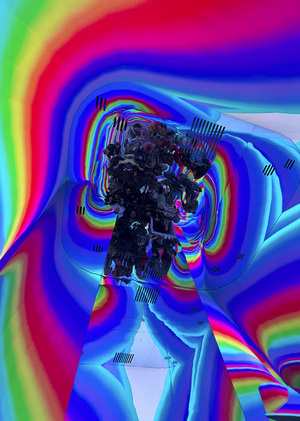
Ксения Лемудкина создала проект в формате текста, исследующий лиминальные пространства и их эмоциональное воздействие на человека. Проект включает анализ переходных мест, вызывающих неопределённость и сюрреализм, с использованием нейросетей для генерации визуального материала.
Игнат Капленко создал библиотеку забытых миров, объединяющую фантазию и творчество в одном проекте. Проект включает анализ книг, таких как «Мифы и легенды» и «Хроники Нарнии», с использованием технологий генерации изображений и видео.
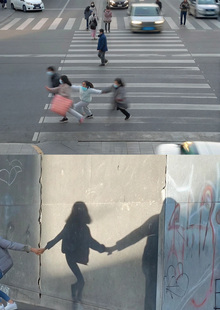
Полина Лысак создала проект BigCityPlayground, в котором городская повседневность превращается в пространство детской игры. В проекте используется нейросеть для трансформации обыденных городских ландшафтов в игровые поля.
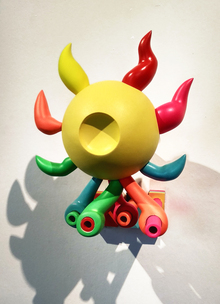
Максим Свищёв создал инсталляцию "Краденое Солнце" для выставки в Санкт-Петербурге в 2019 году. Проект исследует влияние цифровых технологий и эмодзи на внутреннее восприятие мира через метафору затмения солнца.
Максим Свищёв создал выставку «диджитал ТЕСТО» в Суздали как мультимедийный проект. Проект исследует взаимодействие цифрового мира и физической реальности через образ расширяющегося теста.
We use cookies to improve the operation of the HSE website and to enhance its usability. More detailed information on the use of cookies can be fou...
Show more
Press space bar to start a drag.
When dragging you can use the arrow keys to move the item around and escape to cancel.
Some screen readers may require you to be in focus mode or to use your pass through key
Press space bar to start a drag.
When dragging you can use the arrow keys to move the item around and escape to cancel.
Some screen readers may require you to be in focus mode or to use your pass through key
Press space bar to start a drag.
When dragging you can use the arrow keys to move the item around and escape to cancel.
Some screen readers may require you to be in focus mode or to use your pass through key
Press space bar to start a drag.
When dragging you can use the arrow keys to move the item around and escape to cancel.
Some screen readers may require you to be in focus mode or to use your pass through key
Press space bar to start a drag.
When dragging you can use the arrow keys to move the item around and escape to cancel.
Some screen readers may require you to be in focus mode or to use your pass through key
Press space bar to start a drag.
When dragging you can use the arrow keys to move the item around and escape to cancel.
Some screen readers may require you to be in focus mode or to use your pass through key
Press space bar to start a drag.
When dragging you can use the arrow keys to move the item around and escape to cancel.
Some screen readers may require you to be in focus mode or to use your pass through key
Press space bar to start a drag.
When dragging you can use the arrow keys to move the item around and escape to cancel.
Some screen readers may require you to be in focus mode or to use your pass through key