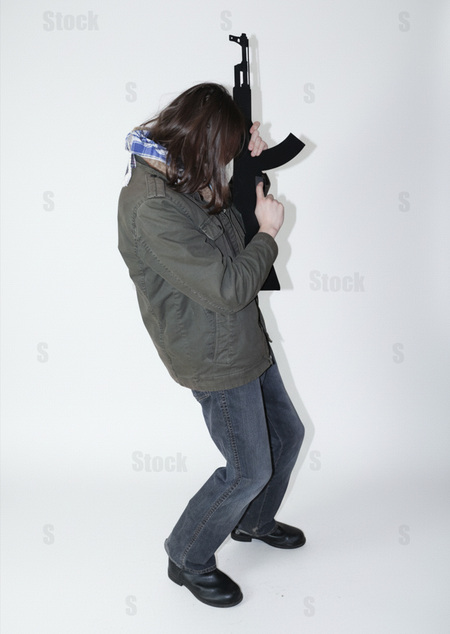
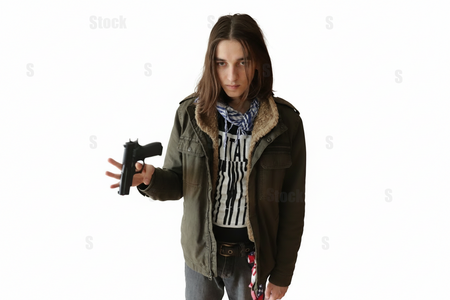
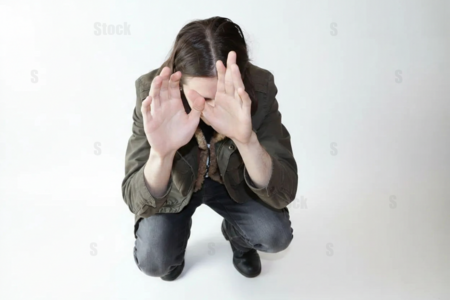
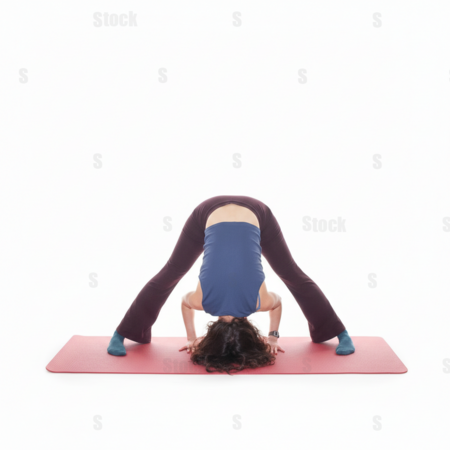
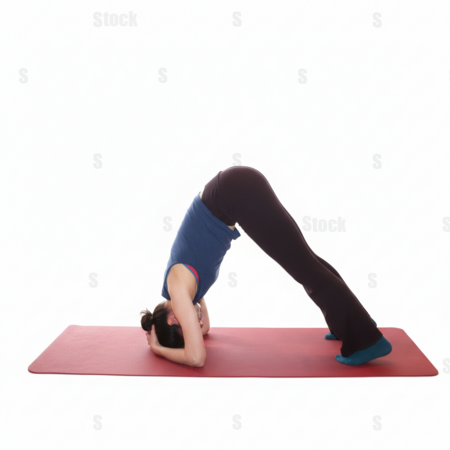
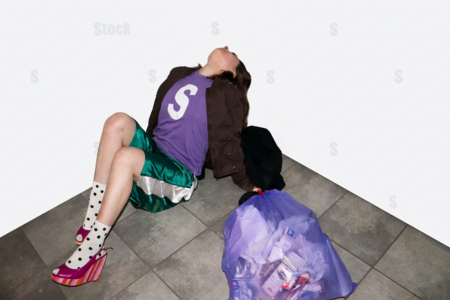
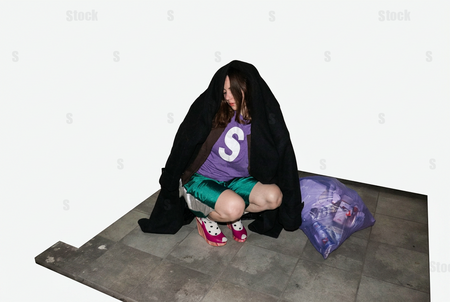
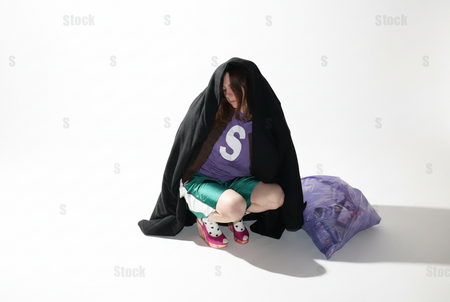
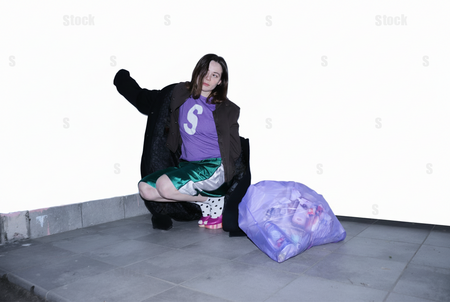
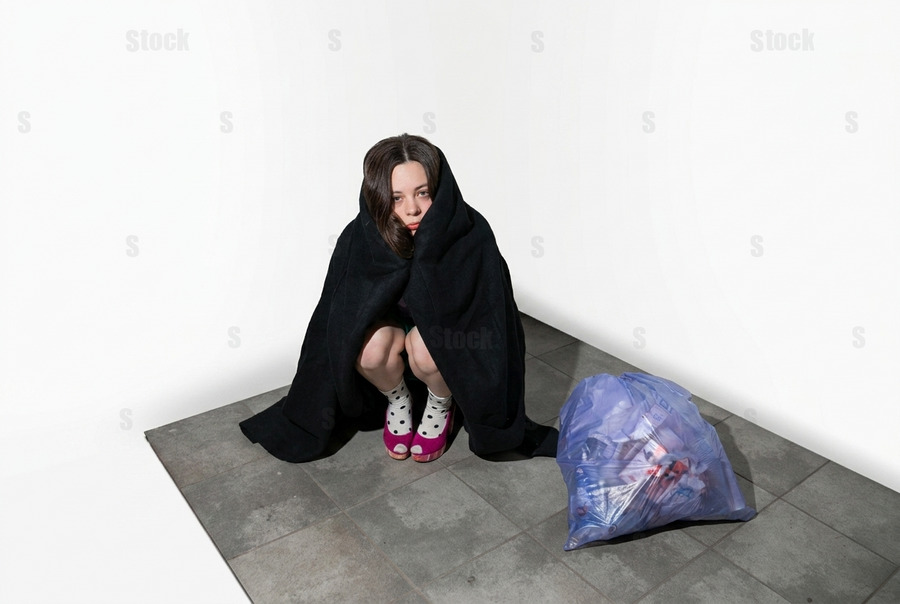
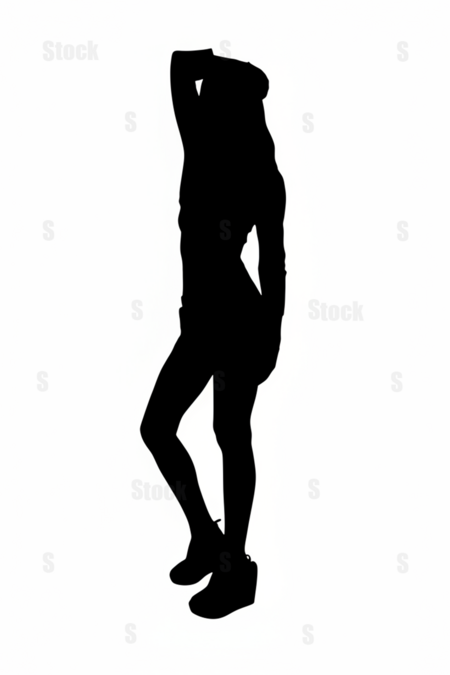
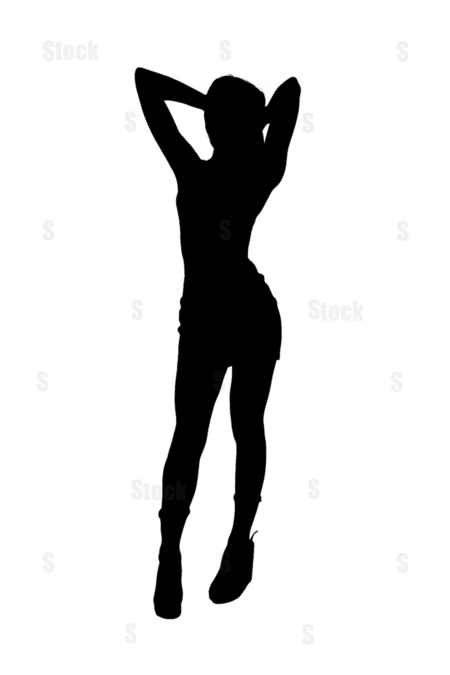
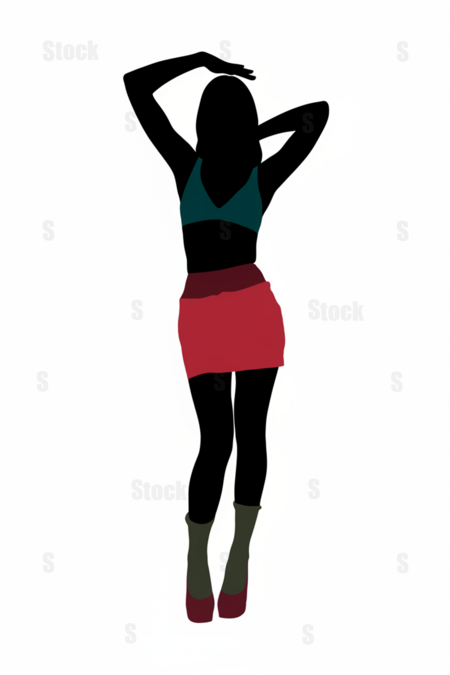
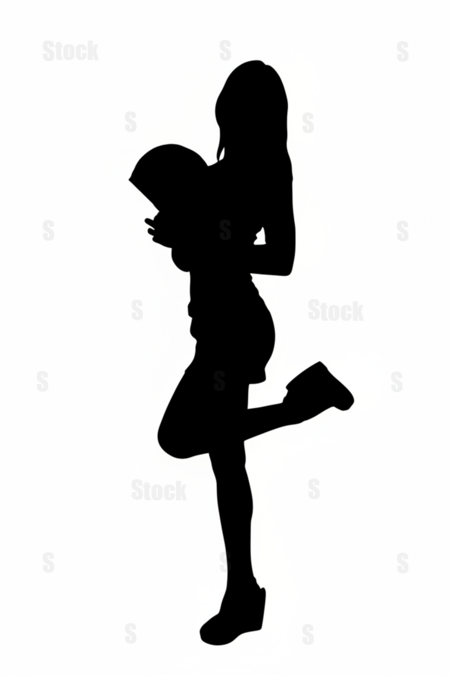
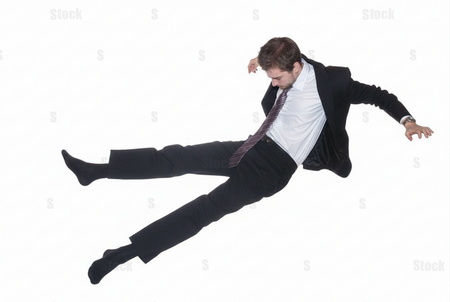
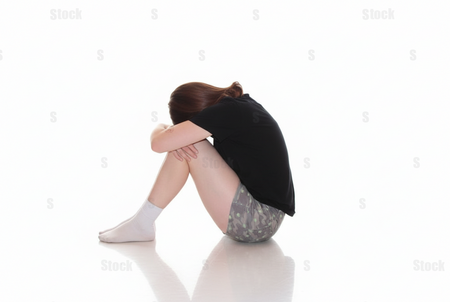
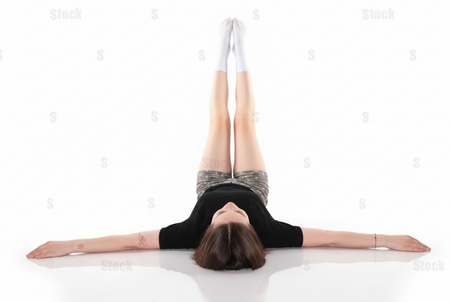
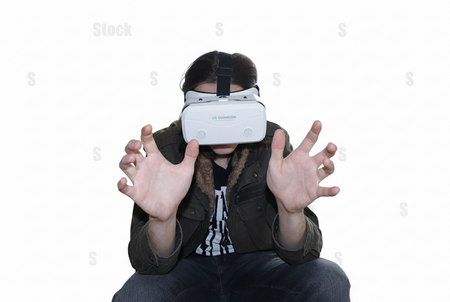
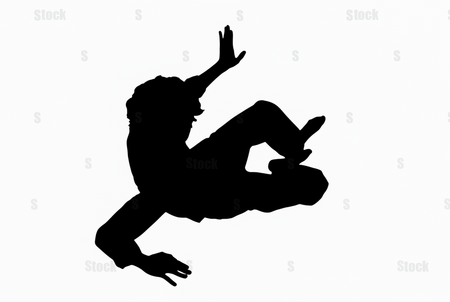
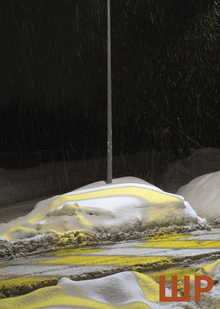
Мой проект — это серия фотографий, стилизованных под стоковые изображения. Все кадры сняты на белом фоне, как будто это типичная коммерческая съемка, но внутри — странные, сюрреалистичные сцены (что свойственно популярным стокам).
В каждой работе есть водяной знак «S», как напоминание о том, что фотография — товар.
Меня интересует сама природа стоковой фотографии — её универсальность, обезличенность и порой непонятность. Я сохраняю форму стока и утрирую содержание.
Таким образом, проект переосмысляет визуальный язык стоков. Он показывает, как привычные образы могут терять свою функцию и становиться чем-то другим — более личным, странным и даже тревожным. Это попытка посмотреть на массовую визуальную культуру со стороны.
Мария Сычева создала серию фотографий, стилизованных под стоковые изображения, с белым фоном и сюрреалистичными сценами. Каждая работа содержит водяной знак «S», подчёркивающий коммерческую природу стоковой фотографии и её утрата авторства и контекста.
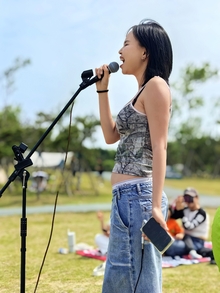
Фотография «Голос» сделана Игорем Крыжко во время уличного концерта в Циндао (Китай). На снимке музыканты местного кафе создают позитивную атмосферу в парке для зрителей.
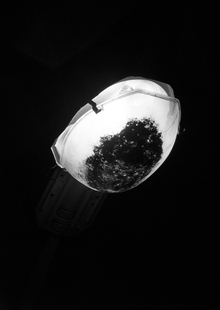
Лина Борисова создала фотокнигу, исследующую взаимодействие света и поверхностей в городском пространстве. Проект фокусируется на том, как искусственное освещение разбивает город на визуальные фрагменты, меняя восприятие пространства.
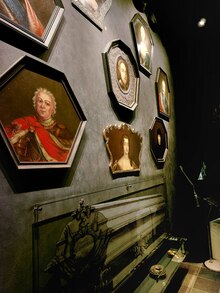
Мария Кулеш создала фотографию Несвижского замка, передающую атмосферу исторического места. Кадр выполнен в условиях музейного освещения, что подчеркивает объем и фактуру старинных рам.
We use cookies to improve the operation of the HSE website and to enhance its usability. More detailed information on the use of cookies can be fou...
Show more
Press space bar to start a drag.
When dragging you can use the arrow keys to move the item around and escape to cancel.
Some screen readers may require you to be in focus mode or to use your pass through key
Press space bar to start a drag.
When dragging you can use the arrow keys to move the item around and escape to cancel.
Some screen readers may require you to be in focus mode or to use your pass through key
Press space bar to start a drag.
When dragging you can use the arrow keys to move the item around and escape to cancel.
Some screen readers may require you to be in focus mode or to use your pass through key
Press space bar to start a drag.
When dragging you can use the arrow keys to move the item around and escape to cancel.
Some screen readers may require you to be in focus mode or to use your pass through key
Press space bar to start a drag.
When dragging you can use the arrow keys to move the item around and escape to cancel.
Some screen readers may require you to be in focus mode or to use your pass through key
Press space bar to start a drag.
When dragging you can use the arrow keys to move the item around and escape to cancel.
Some screen readers may require you to be in focus mode or to use your pass through key
Press space bar to start a drag.
When dragging you can use the arrow keys to move the item around and escape to cancel.
Some screen readers may require you to be in focus mode or to use your pass through key
Press space bar to start a drag.
When dragging you can use the arrow keys to move the item around and escape to cancel.
Some screen readers may require you to be in focus mode or to use your pass through key
Press space bar to start a drag.
When dragging you can use the arrow keys to move the item around and escape to cancel.
Some screen readers may require you to be in focus mode or to use your pass through key
Press space bar to start a drag.
When dragging you can use the arrow keys to move the item around and escape to cancel.
Some screen readers may require you to be in focus mode or to use your pass through key
Press space bar to start a drag.
When dragging you can use the arrow keys to move the item around and escape to cancel.
Some screen readers may require you to be in focus mode or to use your pass through key