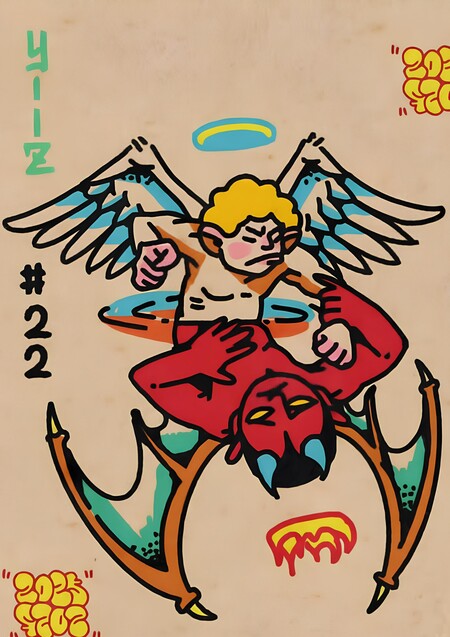
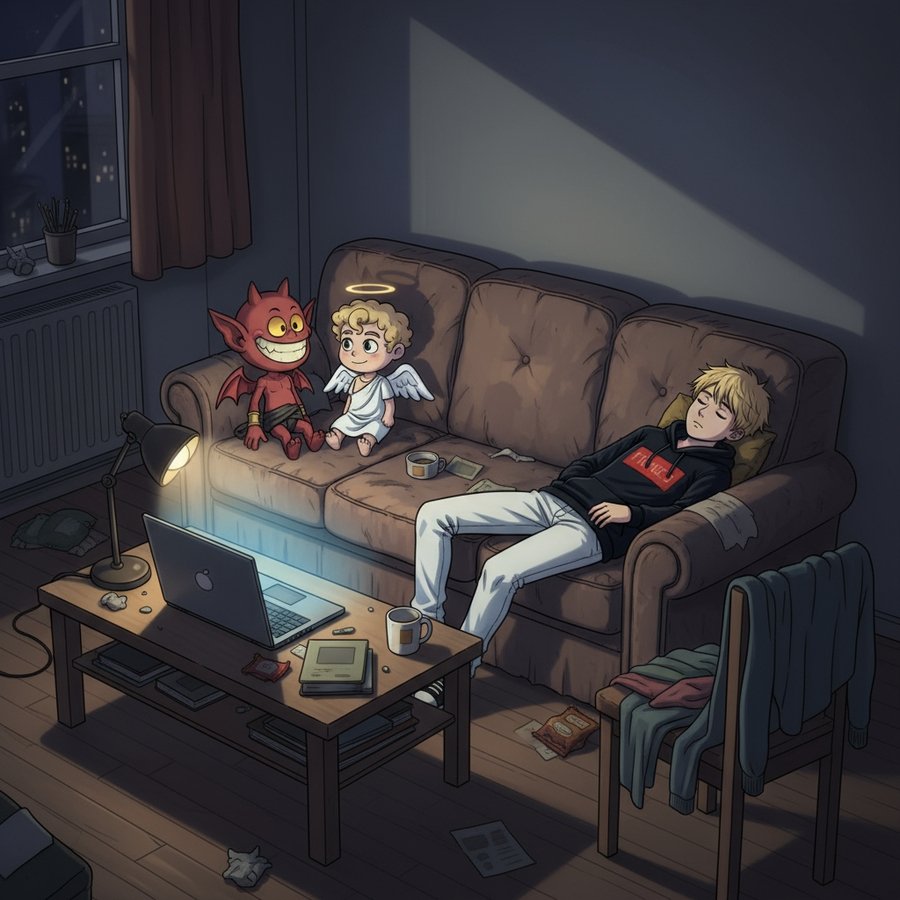
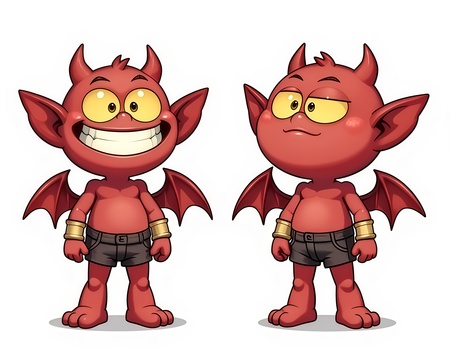
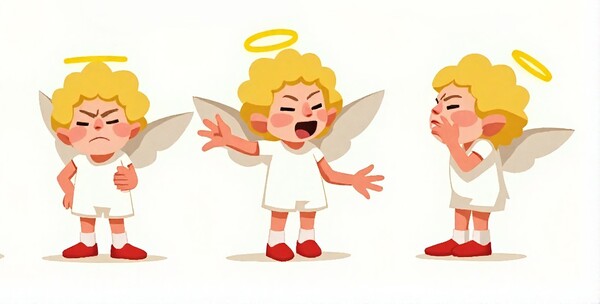
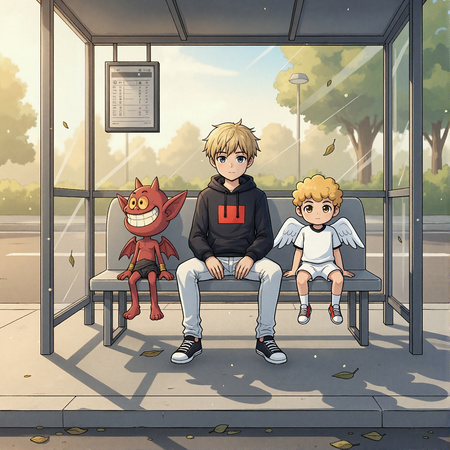
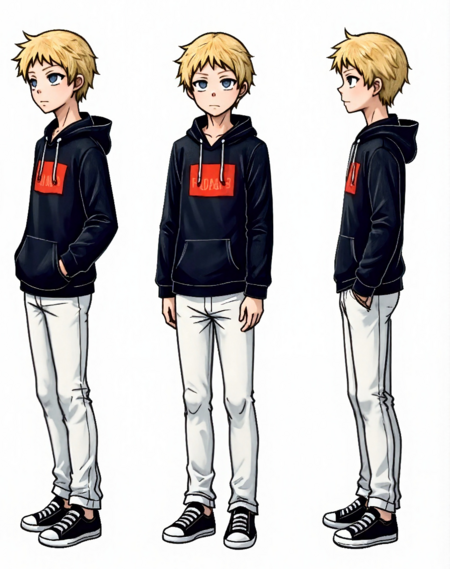
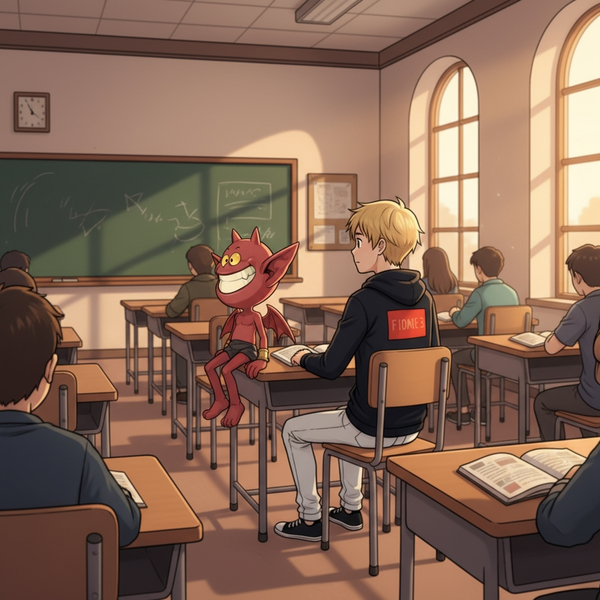
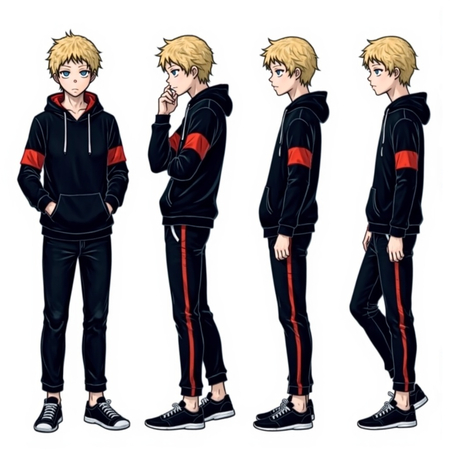
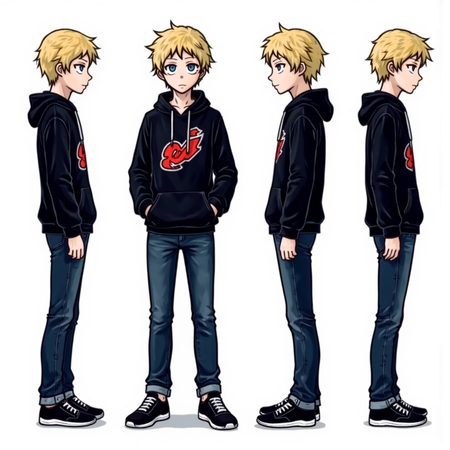
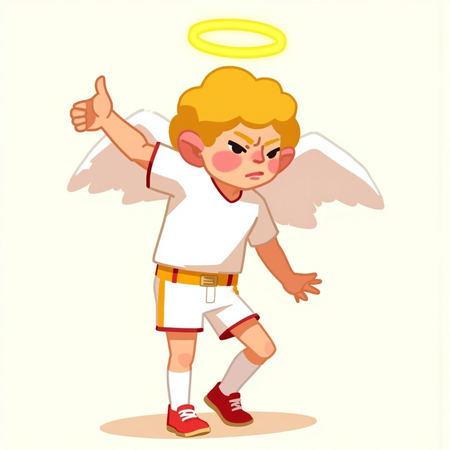
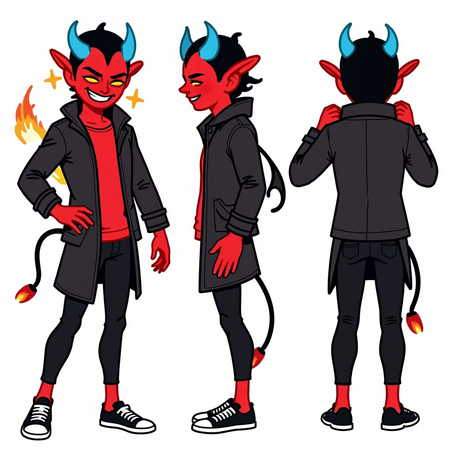
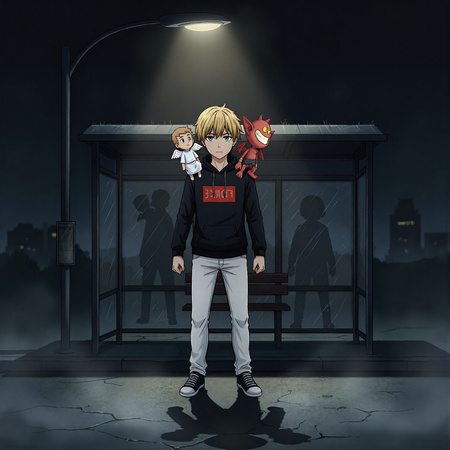
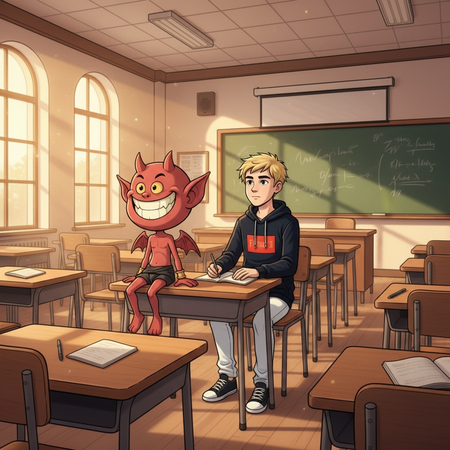
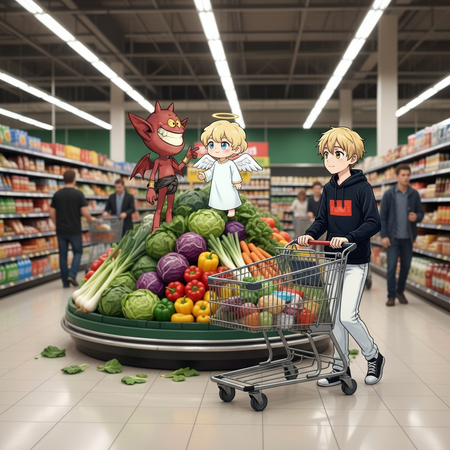
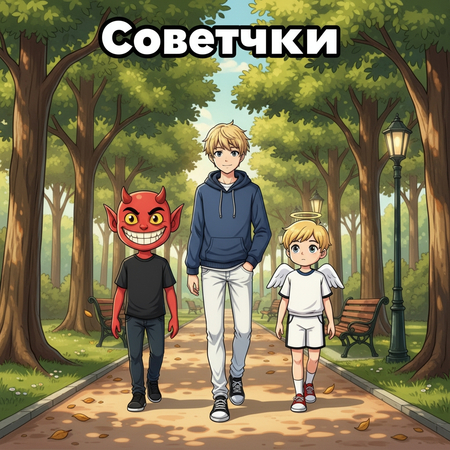
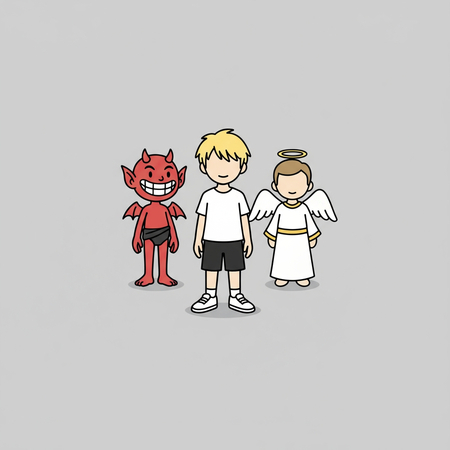
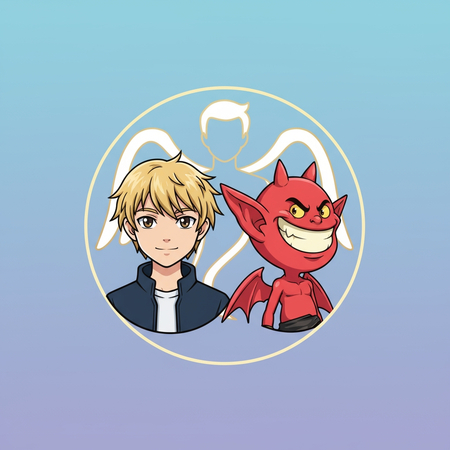
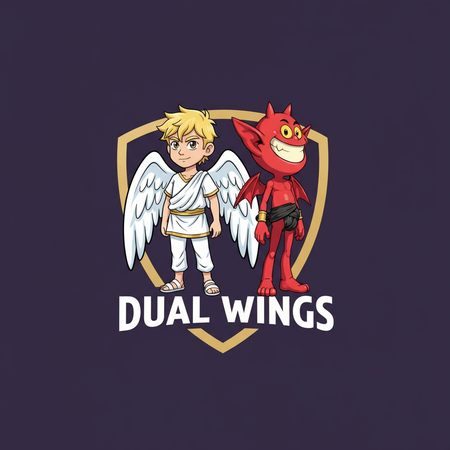
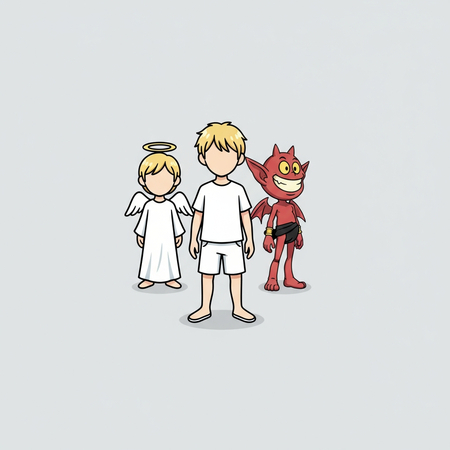
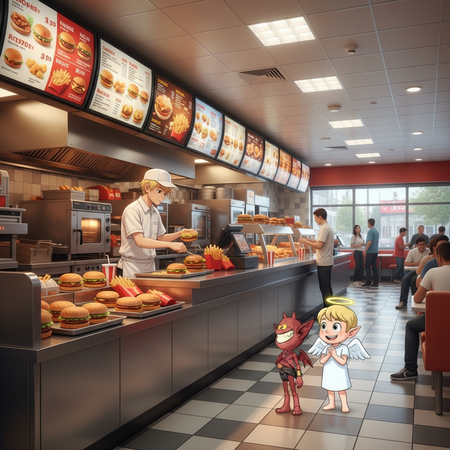
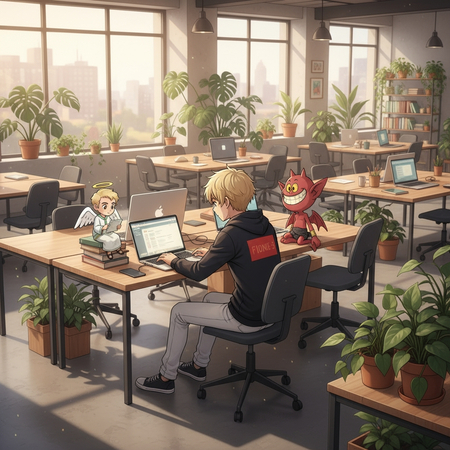
Советчики — это проект, который создается при помощи генеративной анимации в формате коротких вертикальных роликов. Эта повседневная комедия рассказывает о молодом человеке, в голове которого поселились ангел и демон. Эти два персонажа становятся его внутренними голосами, спорящими по каждому поводу, от банальной прогулки до вопросов совести. Каждая серия представляет собой короткий комедийный скетч, где даже повседневные ситуации превращаются в абсурдную битву добра и зла.
Я выгрузил в нейросеть референсы персонажей, для того, чтобы она «понимала», каких персонажей надо генерировать, после чего, при помощи развернутых промптов (по ссылке) сгенерировал изображения с тремя главными героями. Тоже сделал с постерами и логотипами.
Матвей Куц создал анимационный проект «Советчики» в формате коротких вертикальных роликов. Проект использует генеративную анимацию для создания абсурдных скетчей о внутренней битве добра и зла в голове молодого человека.
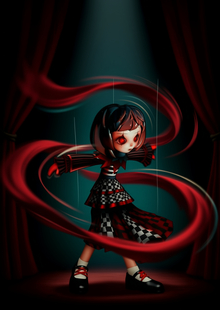
Кира Правосудова создала компьютерную 2.5D игру в жанре симулятора театра кукол, где игрок управляет марионеткой для прохождения выступлений. Проект включает в себя разработку дизайнов кукольных коробок, магазина, плакатов и логотипа с использованием нейросетей и вдохновлённых стилем Тима Бёртона.
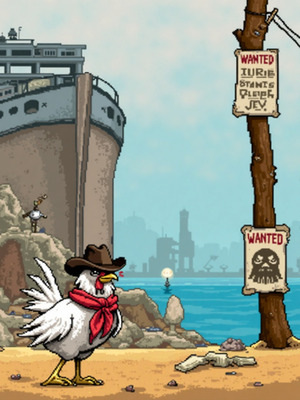
Элиза Чертова создала визуальный дизайн и айдентику для проекта «Вечерний вестерн», где курица отправляется в приключение по Дикому Западу. Проект включает детализированные описания персонажей, локаций и элементов в стиле пиксель-арта с яркими акцентами и западной стилистикой.
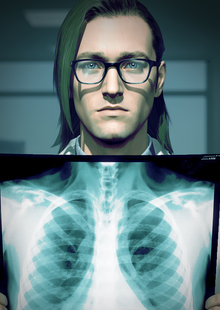
Арина Бабкина создала дизайн и айдентику для игрового проекта «Disease» с использованием нейросетей. В проекте были применены нейросети Krea AI, Stable Diffusion XL и Ideogram AI для генерации концепт-артов, логотипа и постеров.
Кристина Бояркина создала концепцию современного музея Дальнего Востока России, сочетающего культуру, пространство и мерч. Проект включает в себя логотип, цветовую палитру и визуальные элементы, разработанные с использованием нейросетей Recraft.ai, ChatGPT и Figma AI.
We use cookies to improve the operation of the HSE website and to enhance its usability. More detailed information on the use of cookies can be fou...
Show more
Press space bar to start a drag.
When dragging you can use the arrow keys to move the item around and escape to cancel.
Some screen readers may require you to be in focus mode or to use your pass through key
Press space bar to start a drag.
When dragging you can use the arrow keys to move the item around and escape to cancel.
Some screen readers may require you to be in focus mode or to use your pass through key
Press space bar to start a drag.
When dragging you can use the arrow keys to move the item around and escape to cancel.
Some screen readers may require you to be in focus mode or to use your pass through key
Press space bar to start a drag.
When dragging you can use the arrow keys to move the item around and escape to cancel.
Some screen readers may require you to be in focus mode or to use your pass through key
Press space bar to start a drag.
When dragging you can use the arrow keys to move the item around and escape to cancel.
Some screen readers may require you to be in focus mode or to use your pass through key
Press space bar to start a drag.
When dragging you can use the arrow keys to move the item around and escape to cancel.
Some screen readers may require you to be in focus mode or to use your pass through key
Press space bar to start a drag.
When dragging you can use the arrow keys to move the item around and escape to cancel.
Some screen readers may require you to be in focus mode or to use your pass through key
Press space bar to start a drag.
When dragging you can use the arrow keys to move the item around and escape to cancel.
Some screen readers may require you to be in focus mode or to use your pass through key
Press space bar to start a drag.
When dragging you can use the arrow keys to move the item around and escape to cancel.
Some screen readers may require you to be in focus mode or to use your pass through key
Press space bar to start a drag.
When dragging you can use the arrow keys to move the item around and escape to cancel.
Some screen readers may require you to be in focus mode or to use your pass through key
Press space bar to start a drag.
When dragging you can use the arrow keys to move the item around and escape to cancel.
Some screen readers may require you to be in focus mode or to use your pass through key
Press space bar to start a drag.
When dragging you can use the arrow keys to move the item around and escape to cancel.
Some screen readers may require you to be in focus mode or to use your pass through key
Press space bar to start a drag.
When dragging you can use the arrow keys to move the item around and escape to cancel.
Some screen readers may require you to be in focus mode or to use your pass through key