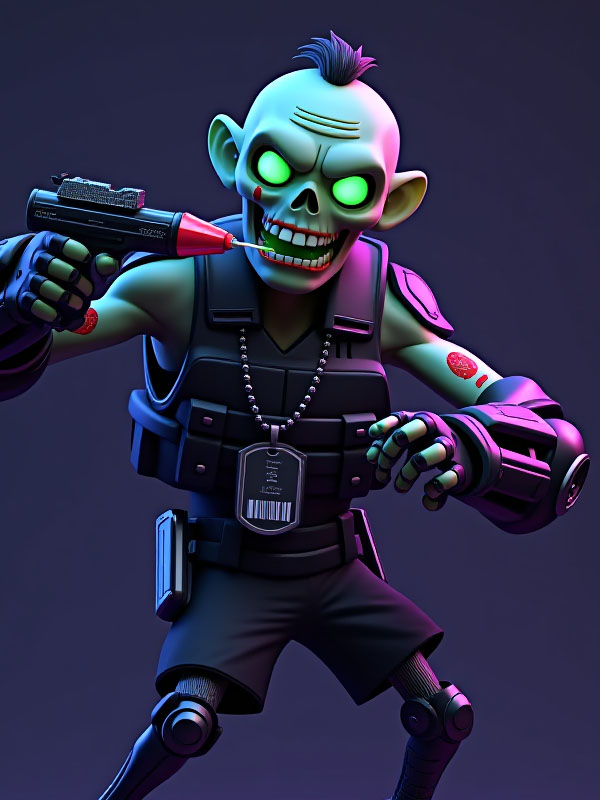
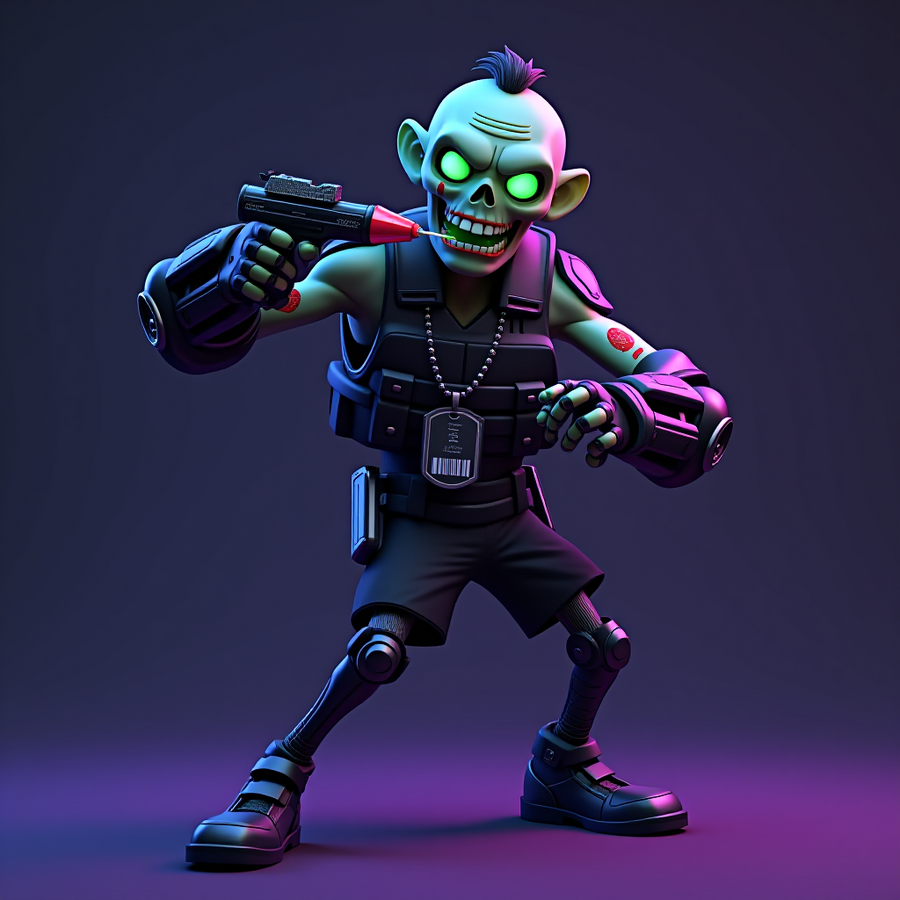
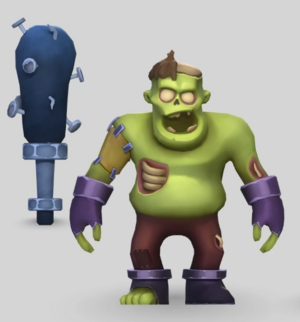
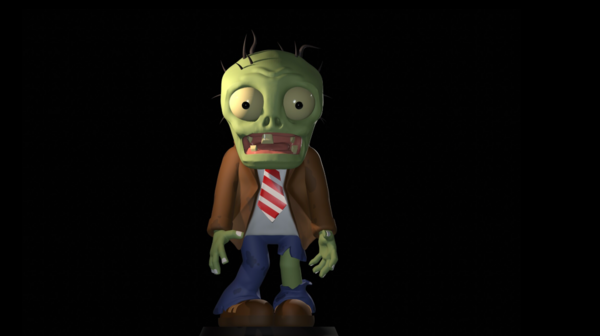
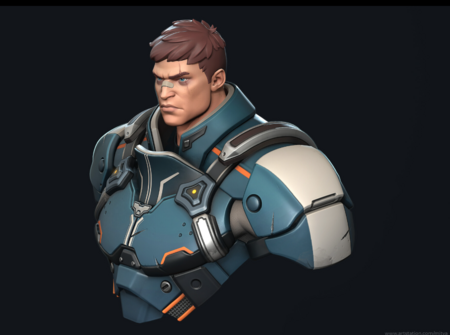
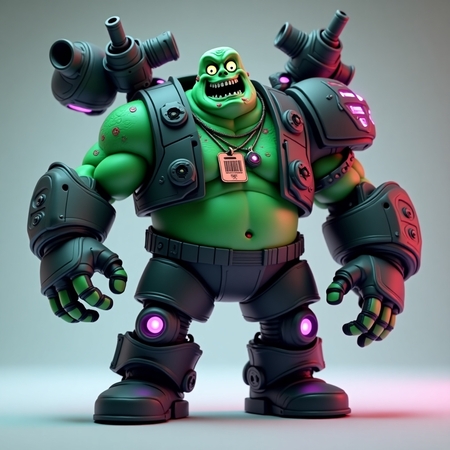
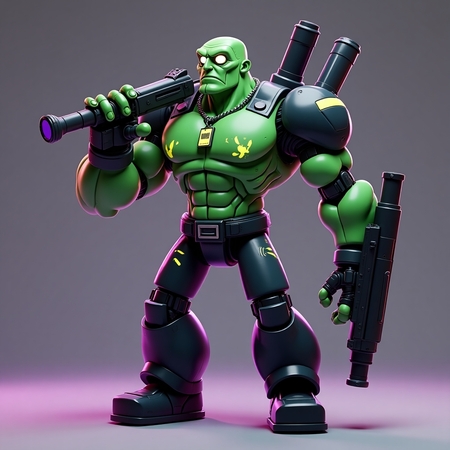
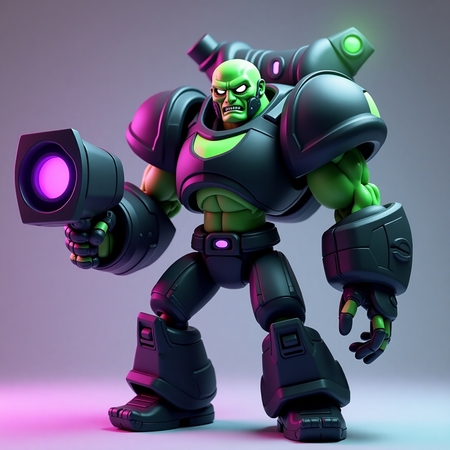
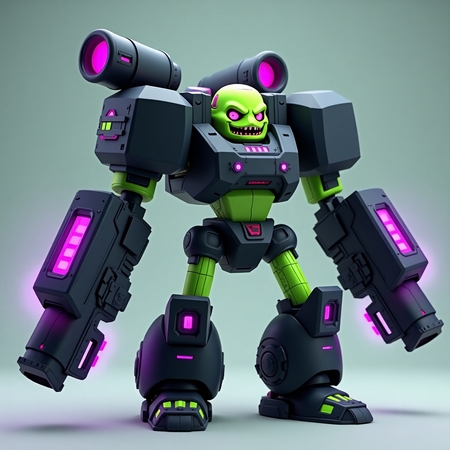
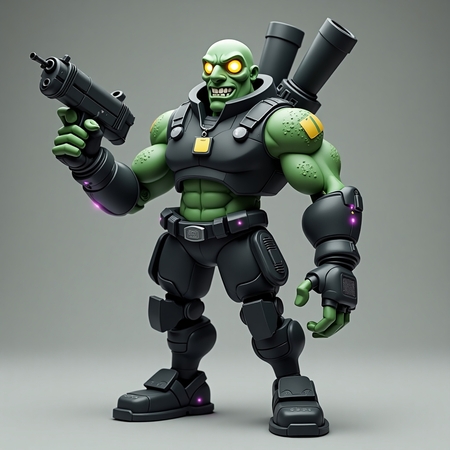
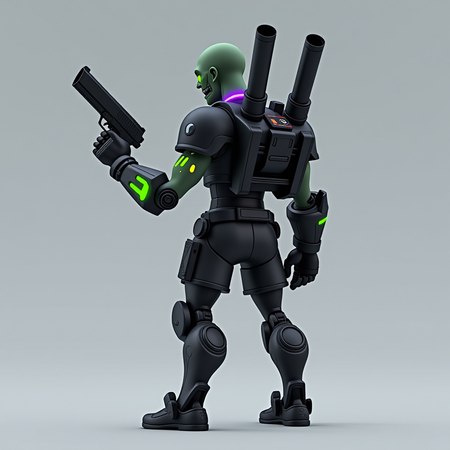
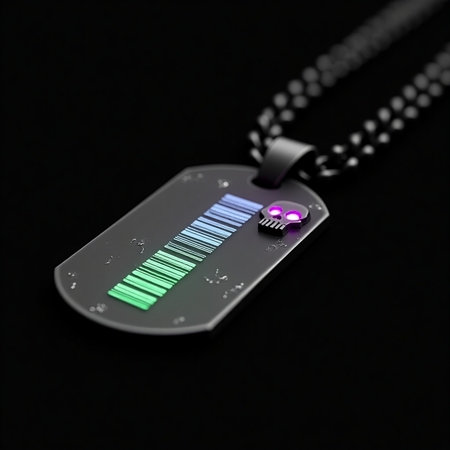
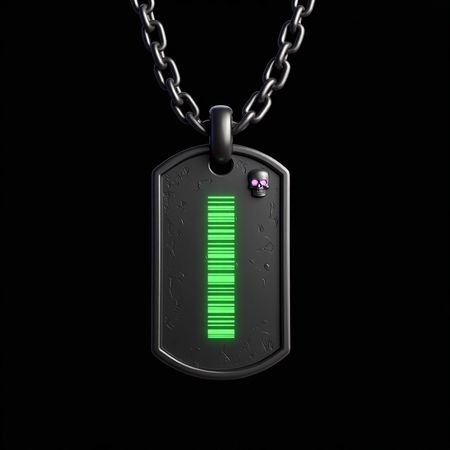
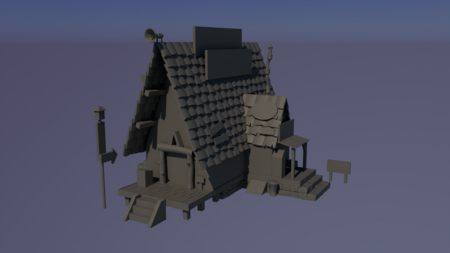
Место действия: альтернативная Земля будущего, где войны не утихают и выходят на всё более высокотехнологичный уровень. Лишившиеся конечностей солдаты не покидают поле боя. Они аугментируются, совершенствуя свои тела железом.
Референсы:
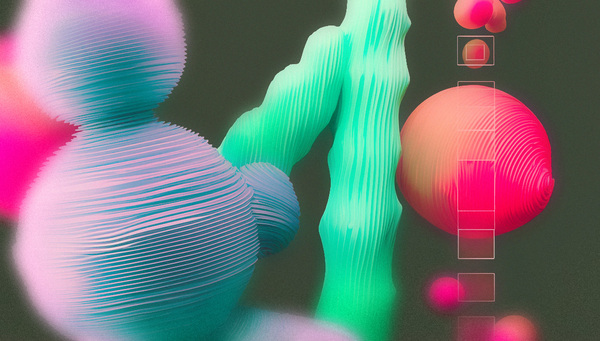
Генерации:
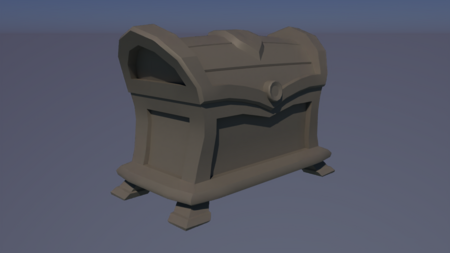
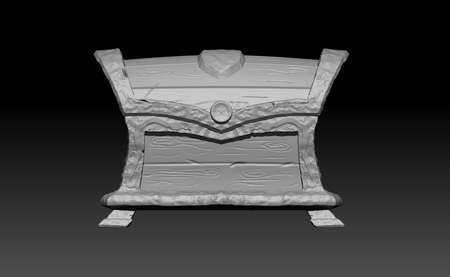
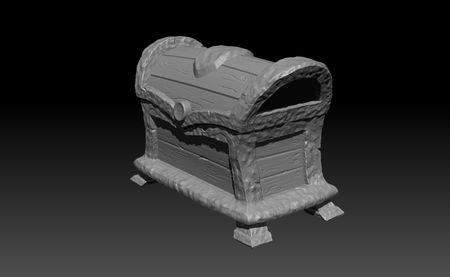
Пропсы:
Главный герой во время боевых действий попал в окружение. Но в кольцо его взял не противник, а его биологическое оружие — зомби. Персонажа кусают, и он начинает превращаться в зомби. Но он сумел сохранить человеческий рассудок, так как использовал медицинский пистолет с лекарством, которое тормозит действие вируса.
Павел Дорофеев создал модульный проект с описанием персонажа CyberZombie 2099 и сюжетной линией в альтернативном будущем. Проект включает детали о мире, где солдаты аугментируются железом, чтобы продолжать воевать без конечностей.
Екатерина Бубликова создала пошаговое руководство по созданию презентации для коллекционной фигурки персонажа. Проект включает рекомендации по выбору обложки, описанию персонажа и использованию рендеров и фотографий для максимального визуального эффекта.
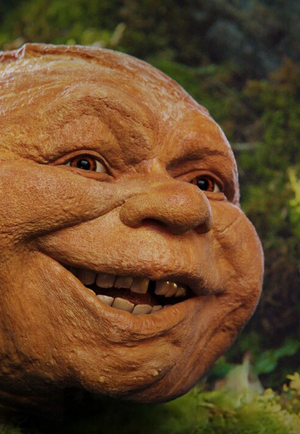
Константин Скачинский создал анимацию персонажа Колобок для российского фильма «Последний богатырь — Корень зла». Этот проект включает в себя работу над образом и анимацией персонажа, выполненного в стиле российского отделения Disney.
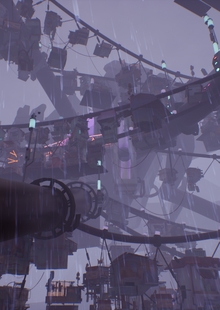
Кирилл Николаев создал портфолио, демонстрирующее опыт в разработке графики для видеоигр и 3D-моделировании с использованием Unreal Engine, Blender и других инструментов. Проект включает оптимизацию визуальных эффектов, локаций и анимаций, а также примеры работы над sci-fi концептами и футуристичными автомобилями.
We use cookies to improve the operation of the HSE website and to enhance its usability. More detailed information on the use of cookies can be fou...
Show more
Press space bar to start a drag.
When dragging you can use the arrow keys to move the item around and escape to cancel.
Some screen readers may require you to be in focus mode or to use your pass through key
Press space bar to start a drag.
When dragging you can use the arrow keys to move the item around and escape to cancel.
Some screen readers may require you to be in focus mode or to use your pass through key
Press space bar to start a drag.
When dragging you can use the arrow keys to move the item around and escape to cancel.
Some screen readers may require you to be in focus mode or to use your pass through key
Press space bar to start a drag.
When dragging you can use the arrow keys to move the item around and escape to cancel.
Some screen readers may require you to be in focus mode or to use your pass through key
Press space bar to start a drag.
When dragging you can use the arrow keys to move the item around and escape to cancel.
Some screen readers may require you to be in focus mode or to use your pass through key
Press space bar to start a drag.
When dragging you can use the arrow keys to move the item around and escape to cancel.
Some screen readers may require you to be in focus mode or to use your pass through key
Press space bar to start a drag.
When dragging you can use the arrow keys to move the item around and escape to cancel.
Some screen readers may require you to be in focus mode or to use your pass through key
Press space bar to start a drag.
When dragging you can use the arrow keys to move the item around and escape to cancel.
Some screen readers may require you to be in focus mode or to use your pass through key
Press space bar to start a drag.
When dragging you can use the arrow keys to move the item around and escape to cancel.
Some screen readers may require you to be in focus mode or to use your pass through key
Press space bar to start a drag.
When dragging you can use the arrow keys to move the item around and escape to cancel.
Some screen readers may require you to be in focus mode or to use your pass through key
Press space bar to start a drag.
When dragging you can use the arrow keys to move the item around and escape to cancel.
Some screen readers may require you to be in focus mode or to use your pass through key
Press space bar to start a drag.
When dragging you can use the arrow keys to move the item around and escape to cancel.
Some screen readers may require you to be in focus mode or to use your pass through key
Press space bar to start a drag.
When dragging you can use the arrow keys to move the item around and escape to cancel.
Some screen readers may require you to be in focus mode or to use your pass through key