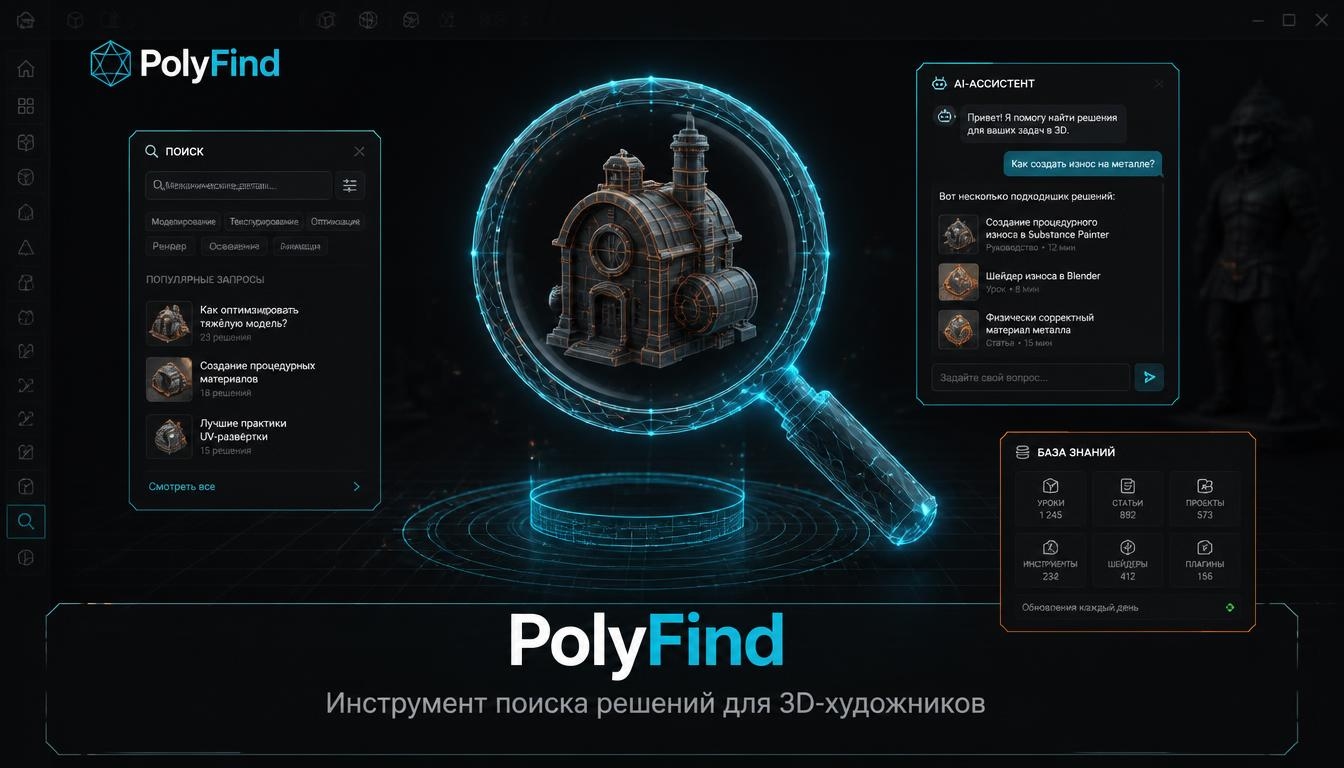
PolyFind—a tool for 3D artists that cuts problem-solving time from hours to minutes.
Three components: — Database— Vetted solutions with timestamps and sources — AI Assistant— Searches the database or connects to a human — Community— Quick-fire questions, chats, voice rooms, and tutorials from artists
Key principle: accuracy over speed. The AI responds only based on the verified database. If it cannot find an answer, it reports that and suggests consulting a human.
Audience: 3D artists, designers, and animators (Blender, C4D, Maya, 3ds Max, Houdini, ZBrush, Substance). Both B2C (freelancers, students) and B2B (studios, instructors).
1. Software Official Documentation
Blender Manual, Autodesk Documentation, Houdini Docs, Substance Docs. The primary source—the standard for accuracy.
2. Curated Video Tutorials
YouTube channels with established reputations (Blender Secrets, Entagma, CG Bones). Transcripts and timestamps are extracted from the source materials.
3. Professional Forums and Q&A
Blender Stack Exchange, BlenderArtists, Reddit (r/blender, r/3dsmax, r/Maya), Autodesk Community. A source for practical solutions.
4. User Content
Quick Q&A from the chat, tutorials from artists, and solutions suggested via the bot.
5. Behavioral Metadata
Request frequency, answer saving, and uncovered topics are used to form database categories and priorities.
Selection Criteria: — Verifiability: Every resource must have a source and a date. — Relevance: Materials older than two years must be checked for compatibility with the current software version. — Applicability: The material must solve a specific problem, not merely be a general overview. — Authorship: User-Generated Content (UGC) must be published with author attribution.
Data Schema: Machine and Human
Five stages. Each stage features a division into machine and human processing.
Phase 1. Collection — Machine: documentation parsing, transcript and forum scraping; automatic extraction of new materials; intake of quick-fire questions and UGC via bot. — Human: source selection, relevance checking, recording UGC tutorials.Phase 2. Structuring — Machine: tagging by software, task, level, and language; extracting timestamps; translation of English-language materials. — Human: verifying tag accuracy, refining phrasing, and validating translations.Phase 3. Verification — Machine: comparison against the database (duplicates, outdated content), link checking, conflict detection. — Human: expert review of solutions, authorship confirmation.Phase 4. Storage A three-part database: solutions (with tags and timestamps), authors (with profiles and contributions), and metadata (query frequency, uncovered topics). Each entry includes the source, verification date, and status.Phase 5. Publishing and Feedback — Machine: database indexing, category formation, matching questions to answers, scheduled publishing. — Human: chat moderation, responding to quick-fire questions, approving publications.
Guidelines for Automated Services
Source is Mandatory Every AI assistant response includes a source link: a document, a video with a timestamp, or a forum post. A response without a source will not be published.
«I don’t know» is an Acceptable Answer If a verified answer is unavailable, the AI will state this and suggest asking a human. Generating a plausible-sounding answer is prohibited.
No Hallucinations The AI does not supplement answers using the model’s general knowledge—only the database content is used. This is what distinguishes PolyFind from general-purpose chatbots.
Human Review of the Final Result Automatically structured material (tags, timestamps, translation) undergoes human review before publication.
Processing Transparency The user can see what was processed by the machine and what was processed by a human. For example, a tag stating, «automatic translation, reviewed by editor.»
Updates and Obsolescence The parser tracks software updates. Outdated solutions are marked as «requires verification» and hidden from results until verified.
Copyright Protection User-Generated Content (UGC) is published with author attribution. Automatic processing neither removes nor alters copyright markings.
Tone Neutral and informative. Free from sensationalism, evaluative judgments, or direct appeals to the reader.
The Human Makes the Final Call The machine prepares the drafts; the editor publishes them. Users correct errors in the database via the bot, and the revision history is saved.
System Example Work
- Query. The user texts the bot: «I can’t fix the topology after using Boolean in Blender.»2. Search. The AI assistant identifies the software (Blender), the task (topology), and the proficiency level (intermediate). It searches the database for vetted solutions.3. Response. It returns three approaches with timestamps: Relax / Smooth Vertices, Quadriflow Remesh, and manual reconstruction. Each solution includes a link to the source and a verification date.4. Refinement. If no answer is found in the database, the AI responds, «I don’t know, ” and suggests asking in the live session. It connects the user with a participant who has already addressed a similar issue.5. Archiving. The user saves the response. It is added to the database with tags. The next user will find it faster.6. Feedback. If a solution is outdated, the user notifies the system via the bot. The material is flagged as „needs verification“ and hidden from results until it is re-verified.