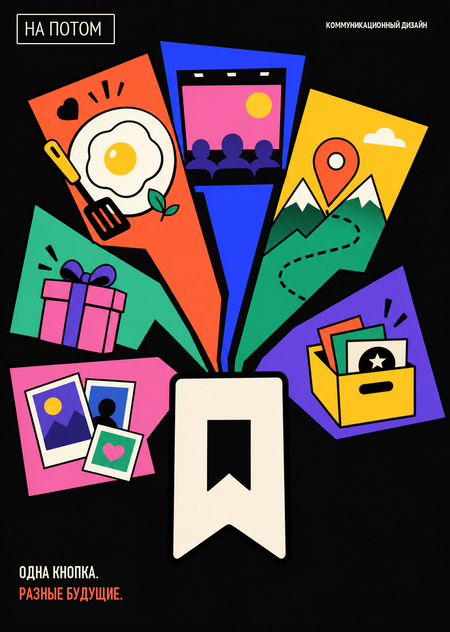
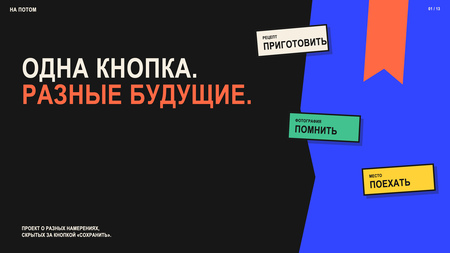
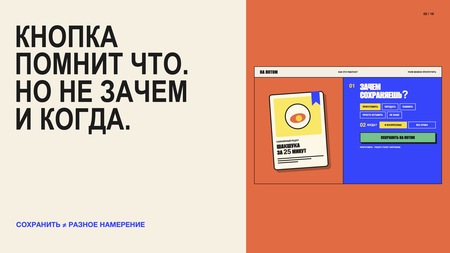
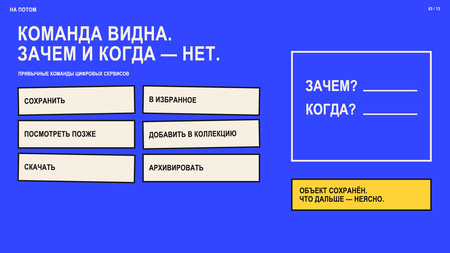
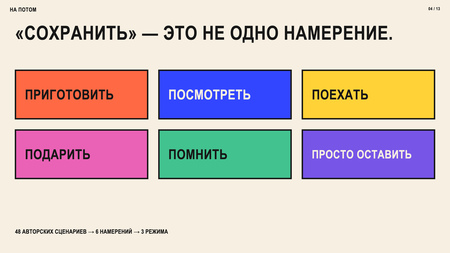
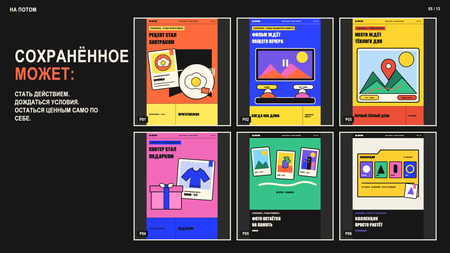
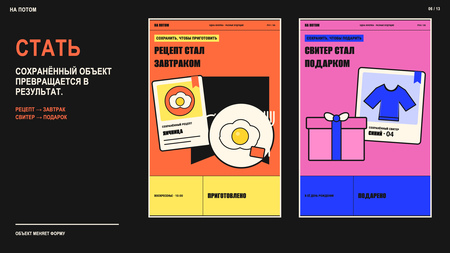
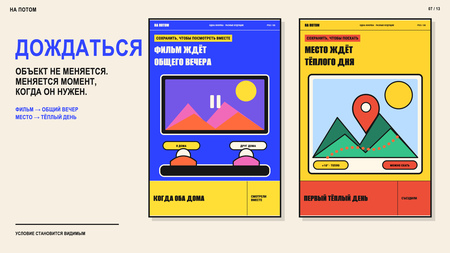
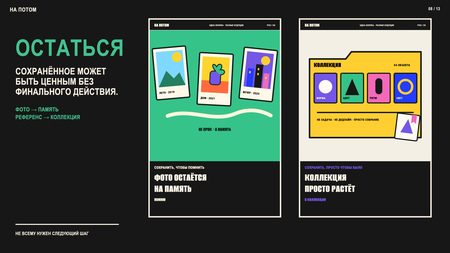
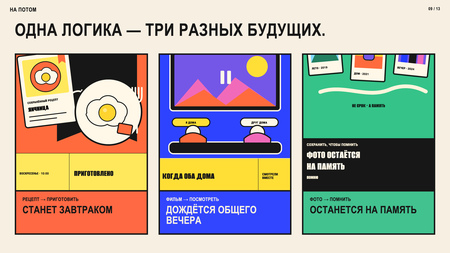
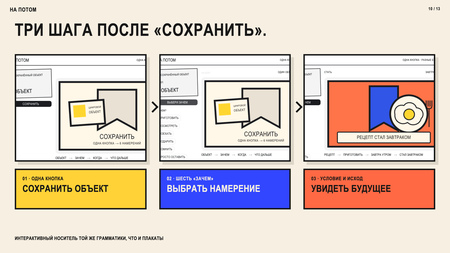
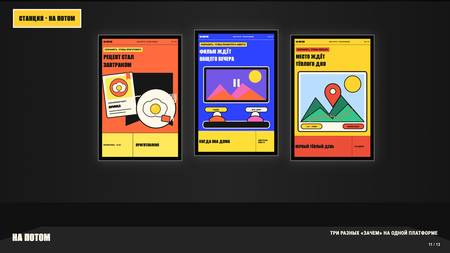
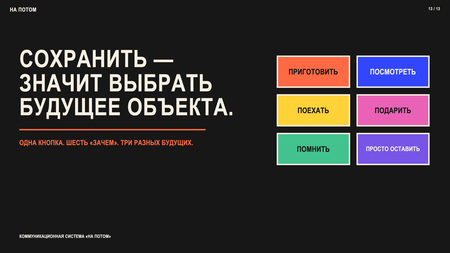
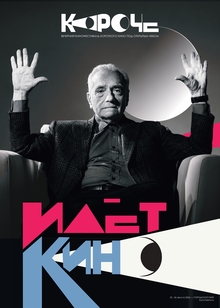
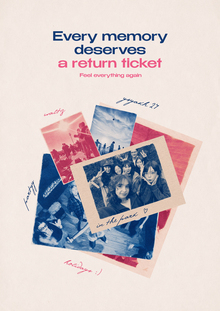
«На потом» — коммуникационный проект о том, что цифровые интерфейсы объединяют разные намерения одной командой «Сохранить». Рецепт сохраняют, чтобы приготовить, фильм — чтобы посмотреть вместе, место — чтобы поехать, фотографию — чтобы помнить. Проект делает эту скрытую разницу видимой через грамматику «объект → зачем → когда → что дальше». Система включает шесть типов сохранения и раскрывается в плакатах, интерактивном прототипе и motion-дизайне. Сохранённое может стать действием, дождаться условия или остаться ценным без обязательного результата.
Мы используем файлы cookies для улучшения работы сайта НИУ ВШЭ и большего удобства его использования. Более подробную...
Показать больше
Press space bar to start a drag.
When dragging you can use the arrow keys to move the item around and escape to cancel.
Some screen readers may require you to be in focus mode or to use your pass through key
Press space bar to start a drag.
When dragging you can use the arrow keys to move the item around and escape to cancel.
Some screen readers may require you to be in focus mode or to use your pass through key
Press space bar to start a drag.
When dragging you can use the arrow keys to move the item around and escape to cancel.
Some screen readers may require you to be in focus mode or to use your pass through key
Press space bar to start a drag.
When dragging you can use the arrow keys to move the item around and escape to cancel.
Some screen readers may require you to be in focus mode or to use your pass through key
Press space bar to start a drag.
When dragging you can use the arrow keys to move the item around and escape to cancel.
Some screen readers may require you to be in focus mode or to use your pass through key
Press space bar to start a drag.
When dragging you can use the arrow keys to move the item around and escape to cancel.
Some screen readers may require you to be in focus mode or to use your pass through key