«Plein Air» — a media platform with ready-made ideas for outdoor sketching sessions
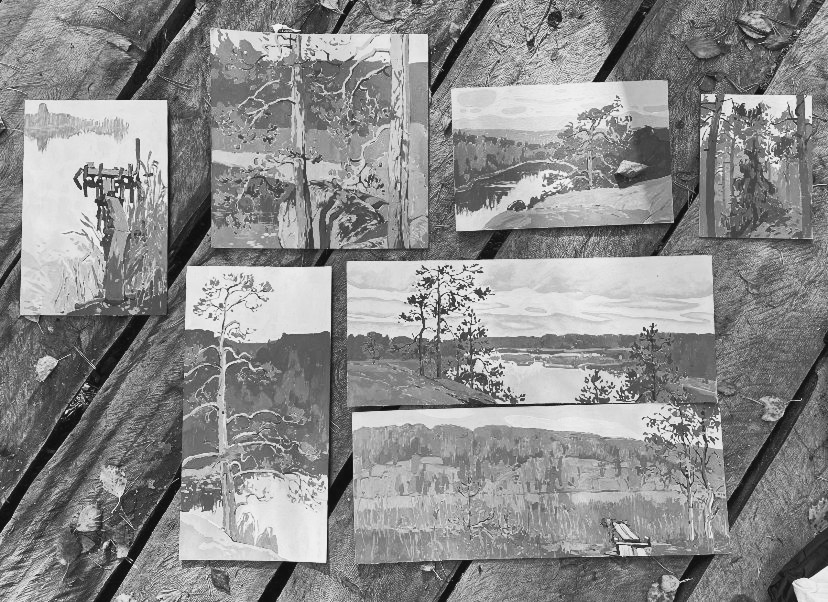
«En Plein Air» is a media outlet focused on outdoor drawing, helping users find subjects for their art, select inspiring locations, and turn ordinary walks into small artistic adventures. The project addresses a core problem: people want to draw, but they don’t know what to depict, where to go, or how to make their drawing more interesting. The media offers ready-made prompts to help users move from the desire to draw to concrete action.
Data sources for media
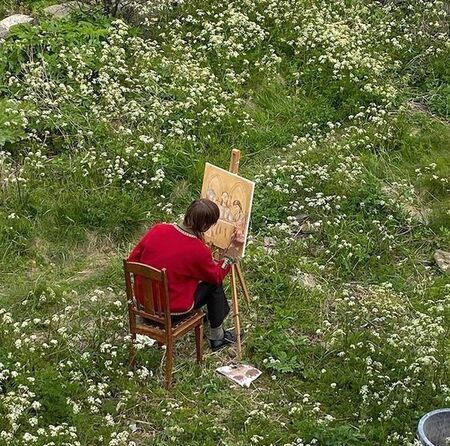
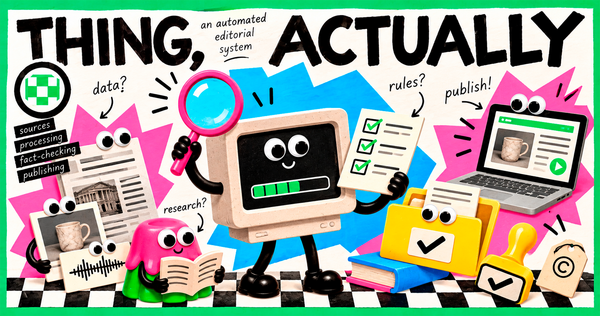
City Maps and DirectoriesYandex Maps and Google Maps are used to find interesting places: streets, squares, buildings, cafes, bridges, and other urban features. They help verify addresses and plan routes for plein air artists.City Websites and Event ListingsWebsites with city news and event listings help locate happenings, temporary exhibitions, and new interesting spaces that could become publication topics.Social Media and PinterestThese are used to search for visual references, creative ideas, compositional examples, and current content formats. This helps track audience interests and draw inspiration from the work of other creators.
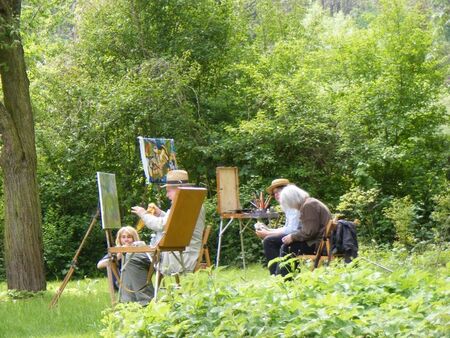
Original MaterialsPhotographs, video recordings, and the project author’s observations form the basis of original publications. For example, you can take a photo of an interesting facade yourself and then suggest several ways for followers to draw it.Media FollowersComments, polls, and audience messages help us understand which locations and themes interest people. Followers can also suggest locations and share their own drawings.Weather ServicesWeather forecasts are used when preparing announcements for plein air sessions. This helps select a suitable day and warn participants about possible precipitation or other weather conditions.Generative Neural NetworksThese are used for brainstorming ideas, creating text drafts, generating creative assignments, and developing composition variations.
Data Schema
First, the initial data is collected, after which the information is divided into two parts: what can be processed automatically, and what requires human involvement.
Machine Processing
Automated services help complete repetitive and auxiliary tasks:
1) Generating ideas for publications and creative assignments; 2) Suggesting composition options for a single location; 3) Creating text drafts; 4) Selecting keywords and hashtags; 5) Systematizing ideas and creating content plans; 6) Assisting with the design of visual materials.
Human Processing
The project author is responsible for creative decisions and information verification: 1) Selects themes that align with the media concept; 2) Verifies addresses and the timeliness of location information; 3) Assesses whether the proposed ideas are feasible for actual drawing; 4) Curates photographs and visual references; 5) Edits texts and proofreads them for errors; 6) Makes the final decision on publication.
How does this work in practice?
For example, to publish «5 Sketch Ideas from One Walk, ” the author selects an urban location and photographs it. Then, the AI suggests several ideas for quick sketches and assists in drafting the accompanying text. The author reviews the suggestions, selects the most compelling ones, and supplements the material with their own observations.The result is a complete publication where automation assists with preparation, while the human ensures the quality and veracity of the content.
Guidelines for Automated Services
Several digital tools are planned for media production. Each tool serves a specific function and has its own set of usage guidelines.
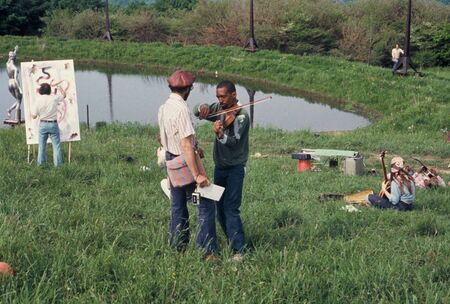
ChatGPT — Idea and Text GenerationIt is used for brainstorming publication topics, creating creative assignments, drafting posts, and suggesting compositional arrangements.Usage Guidelines: 1) The prompt must specify the topic, target audience, and material format. 2) Ideas received must be evaluated for practical applicability. 3) Factual information, especially addresses and schedules, must be verified separately. 4) Generated texts must be edited before publication.Example: An author uploads a description of a city square and asks for five objects that could be sketched during a walk.Pinterest — Visual Reference SearchIt is used to find inspiration, examples of artistic styles, and interesting compositional solutions.Usage Guidelines: 1) Use images as a source of inspiration, not to present other people’s work as your own. 2) Respect copyright. 3) Save links to preferred references.Example: Searching for drawings of city streets helps prepare a selection of examples for a publication on urban perspective.Canva — Publication DesignIt is used to create cards, covers, collages, and other visual materials.Usage Guidelines: 1) Adhere to the project’s unified visual style. 2) Use a consistent color palette and typography. 3) Check text legibility and image quality. 4) Do not overload publications with decorative elements.Example: Designing a card titled «Where are we drawing today?» featuring a photo of the location, address, and a small drawing prompt.
Yandex Maps and Google Maps — location searchThey are used to locate urban points of interest, verify addresses, and plan routes.Usage guidelines: 1) Verify the accuracy of the address. 2) Consider the site’s accessibility for visitors. 3) Clarify whether one is allowed to stay and draw on the selected territory. 4) Do not publish unverified information about the location.Example: searching for an interesting street for an plein air session and checking its location.Weather services — preparing for plein air sessionsThese are used to check weather conditions before announcing events.Usage guidelines: 1) Check the forecast closer to the event date. 2) Take into account the probability of precipitation and temperature. 3) If necessary, warn participants about changes.Example: before publishing an plein air announcement, the author checks the weather forecast and confirms if the chosen day is suitable for the event.