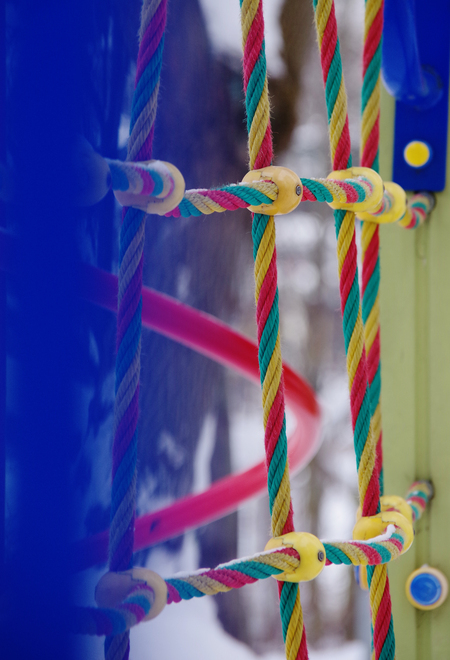
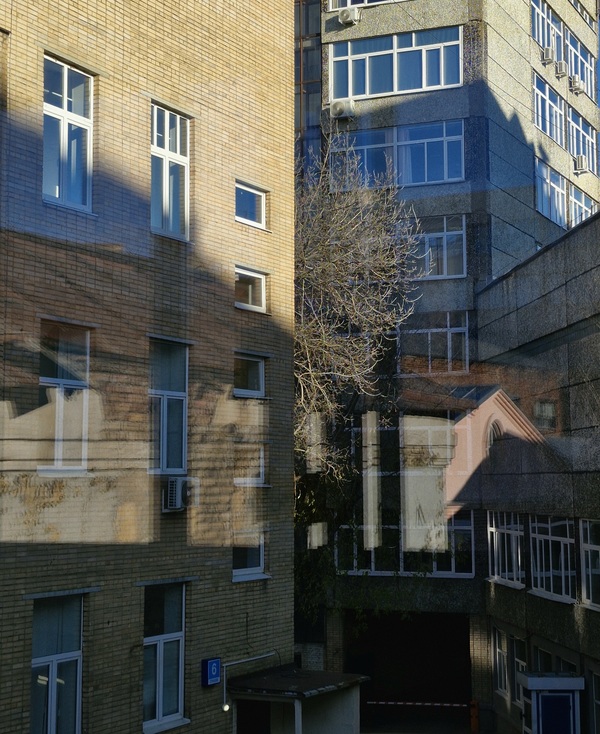
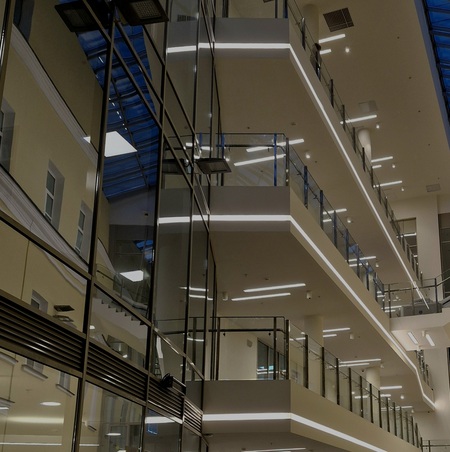
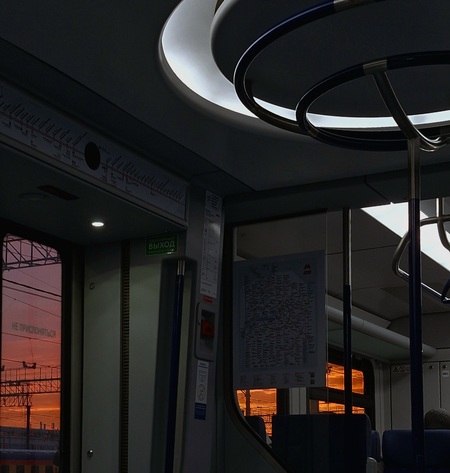
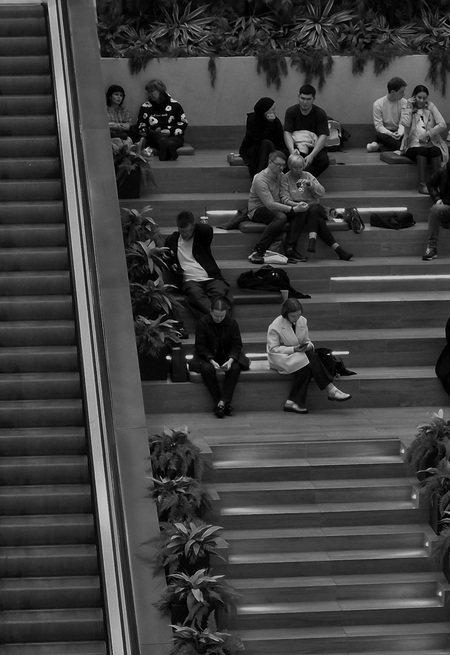
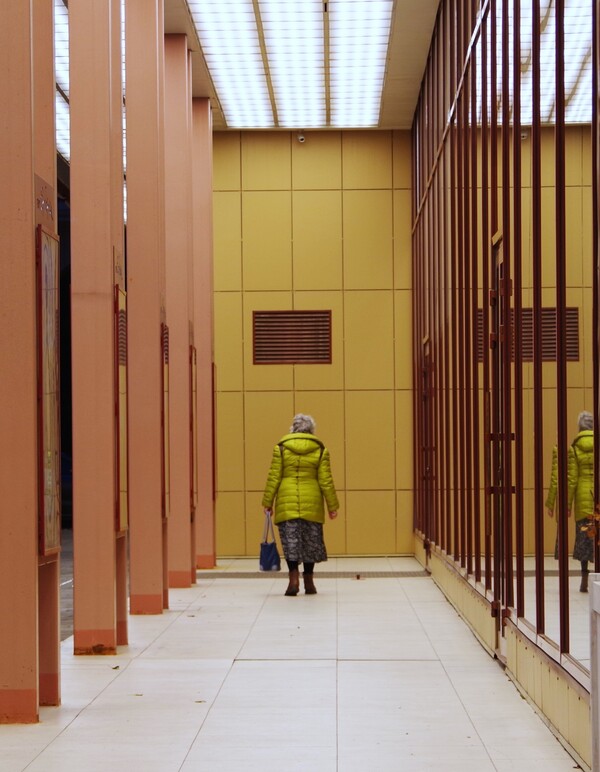
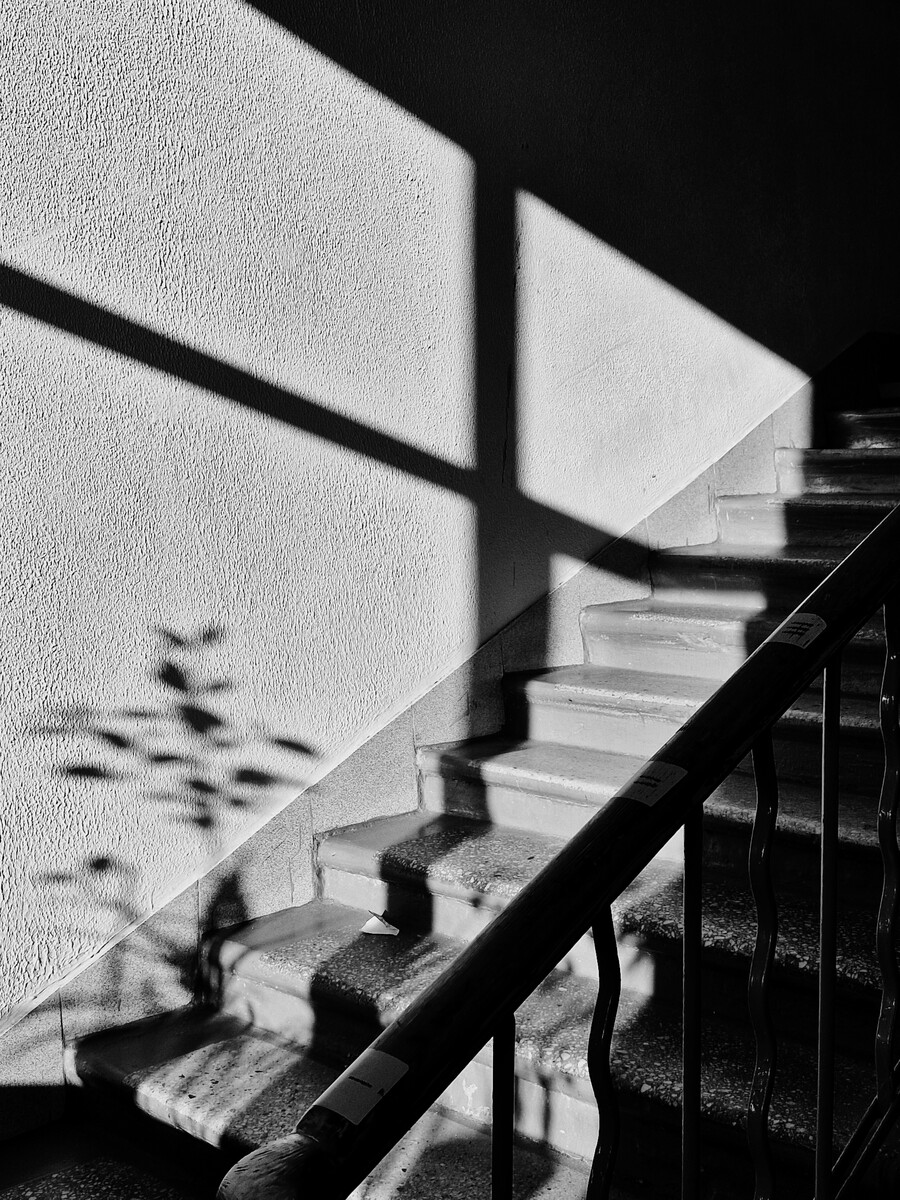
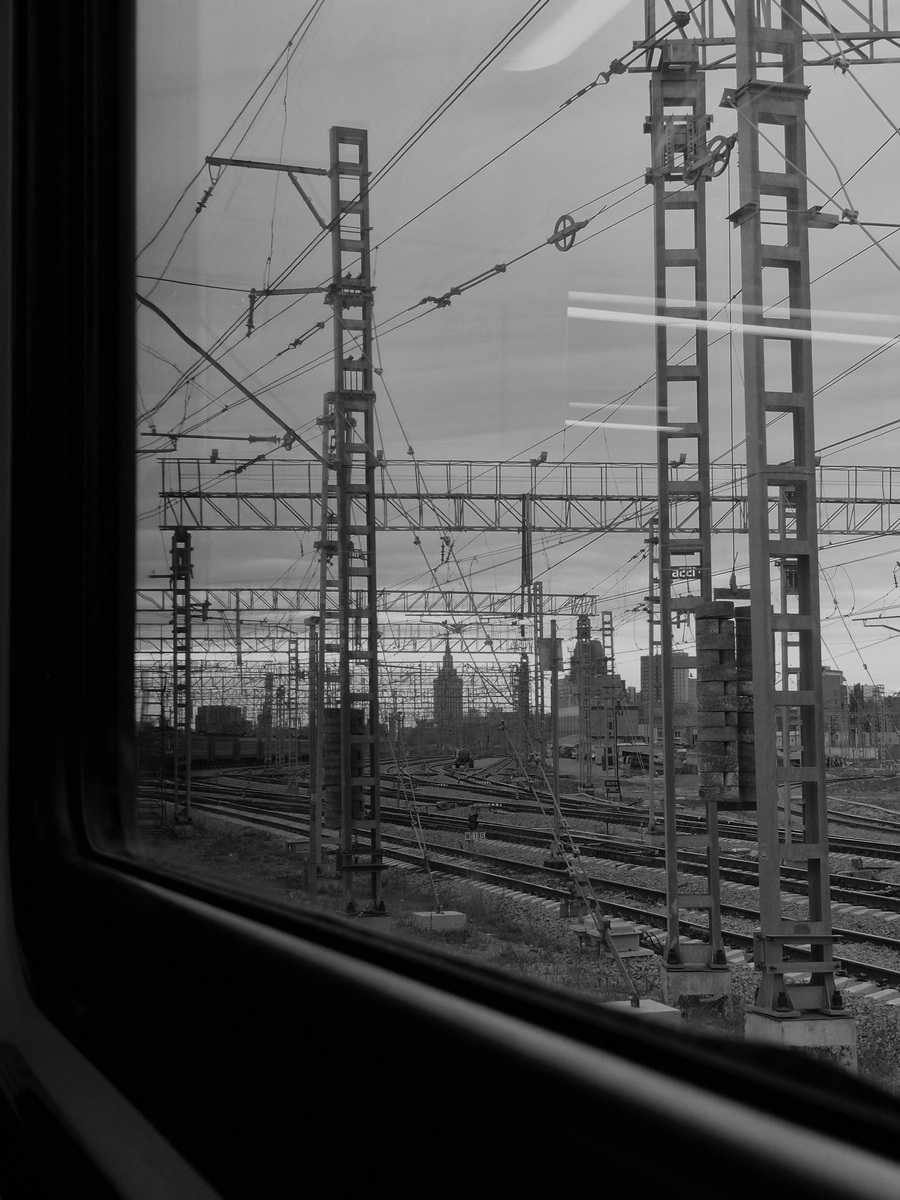
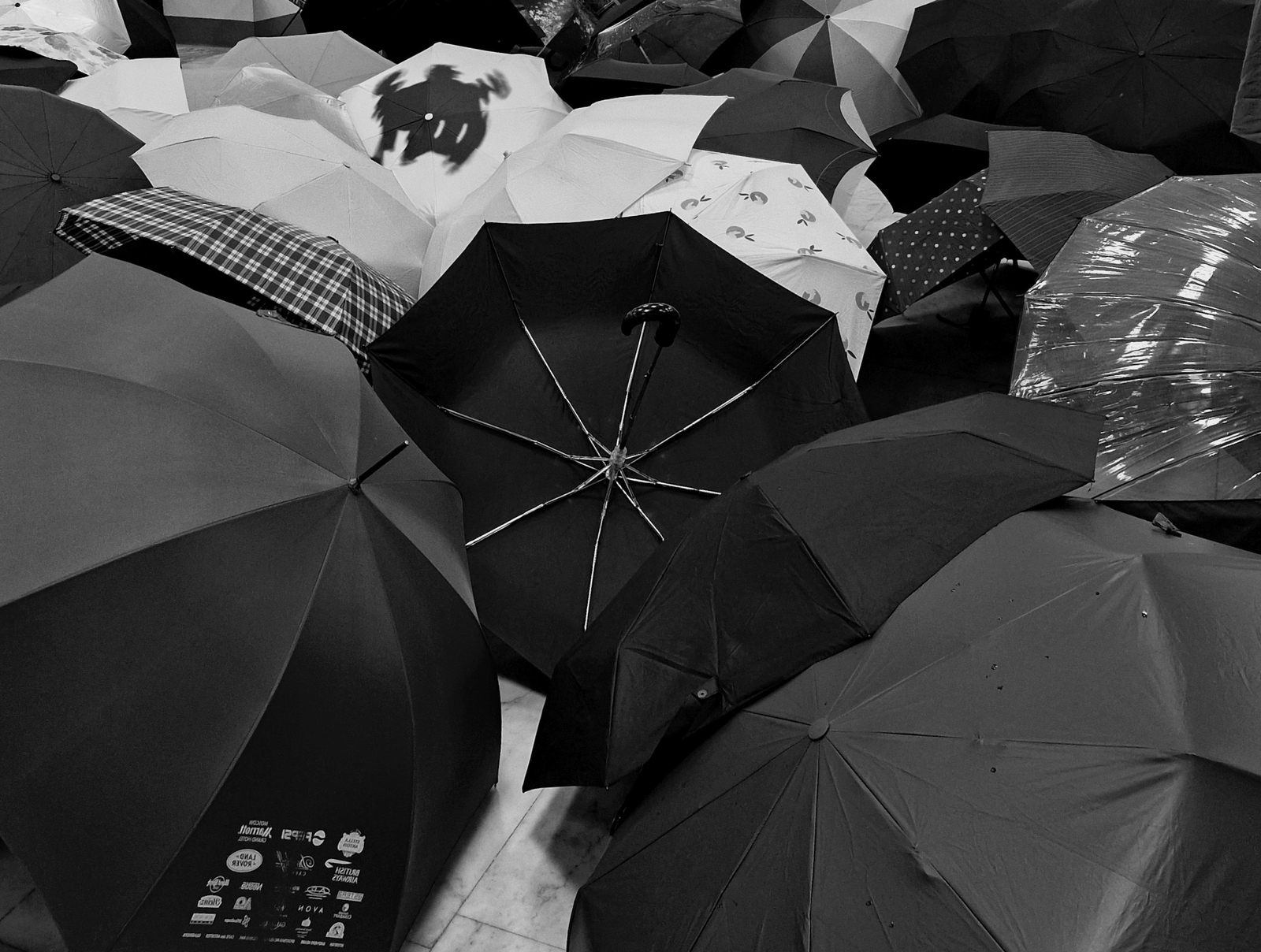
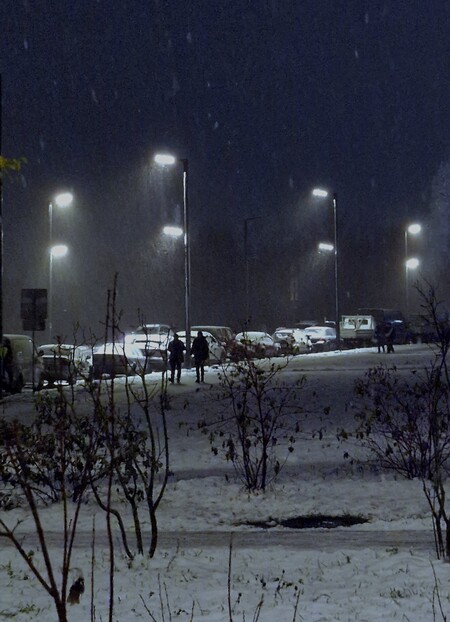
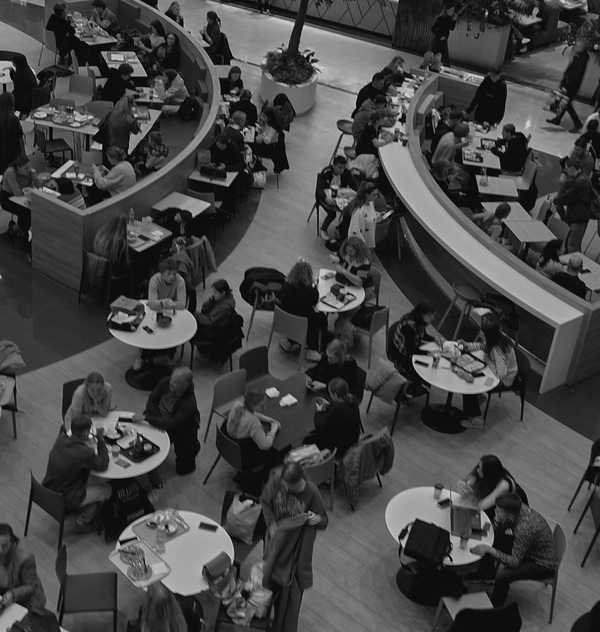
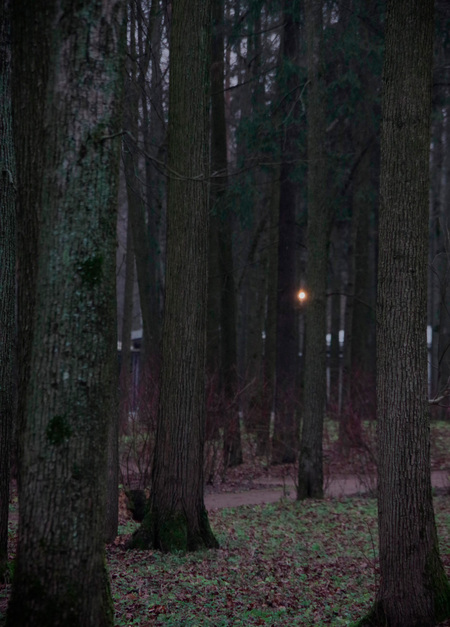
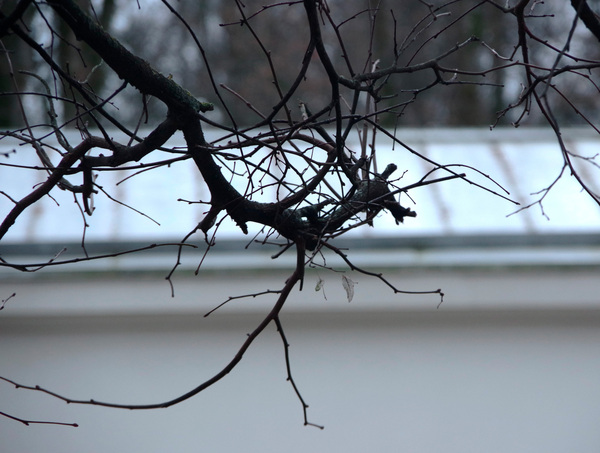
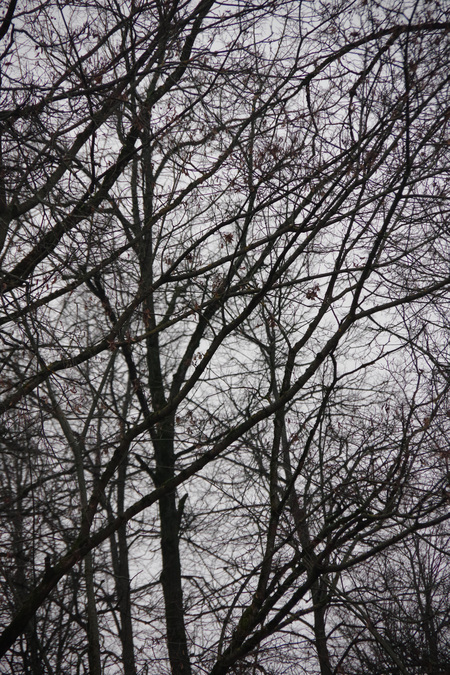
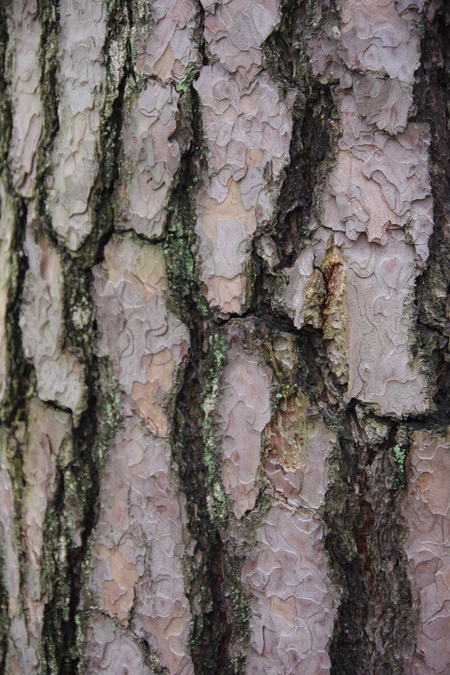
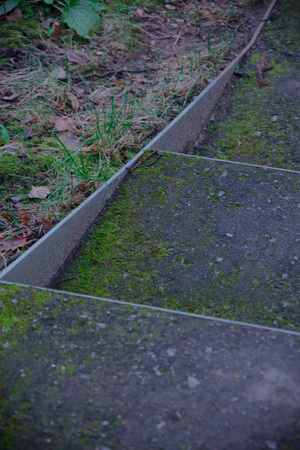
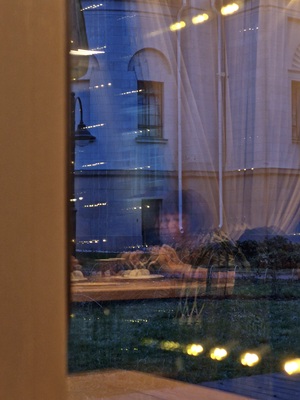
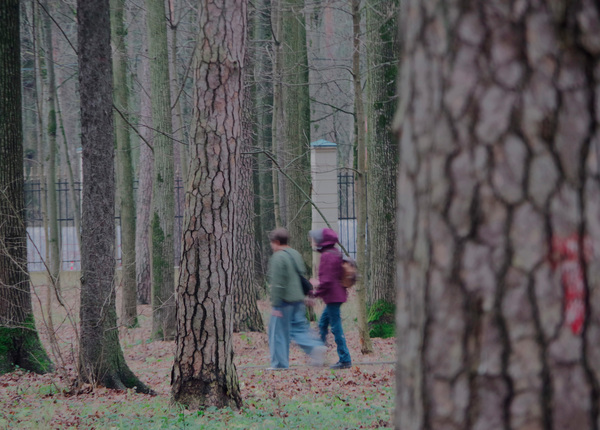
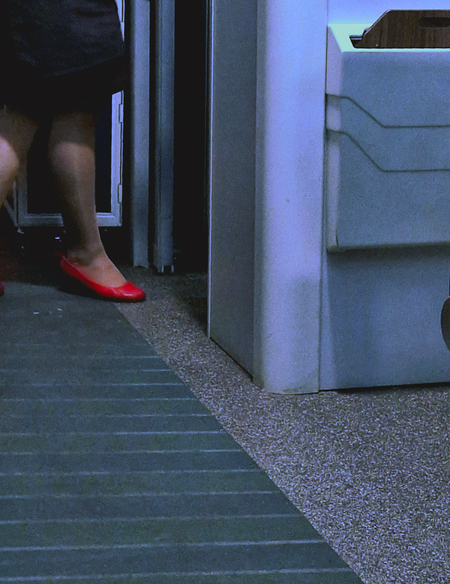
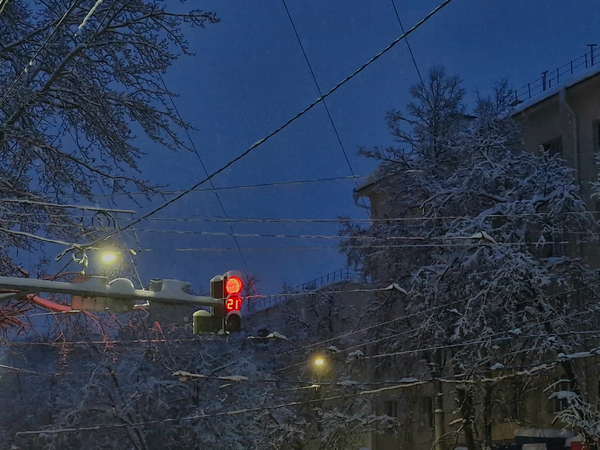
Елена Крупнова создала образовательный курс по фотографии, состоящий из нескольких модулей и тем. Проект включает в себя разбор геометрии, ритма, абстракции и цветовых контрастов в фотографии.
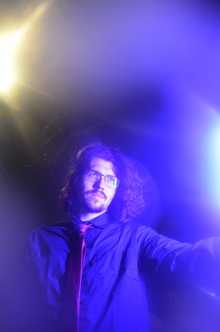
Игорь Мухин создал архив съемок и концертов группы Звуки МУ с 1985 по 2005 год. Проект включает в себя тексты и названия постов, связанных с различными городами и годами, включая виниловые пластинки и концерты.
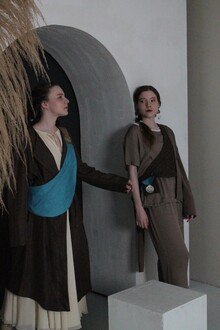
Лия Тиярова создала исследование современного татарского фэшн-стиля в формате фото-сессий и текстовых материалов. Проект включает в себя адаптацию исторических элементов татарского костюма, таких как сумка-хаситэ и накосник-тезмә, в современную моду.
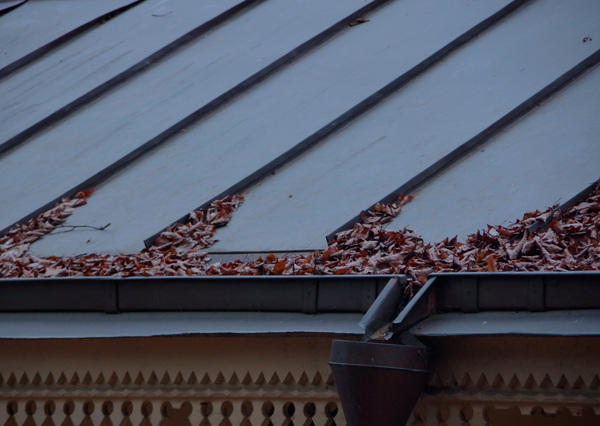
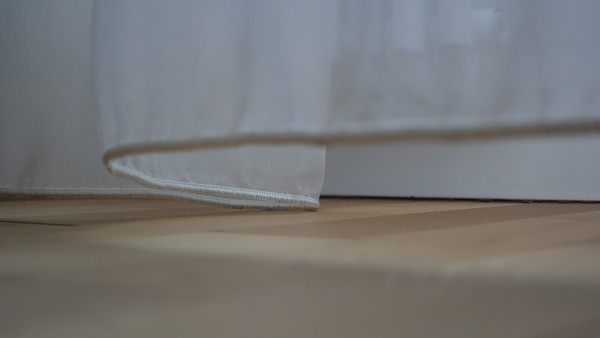
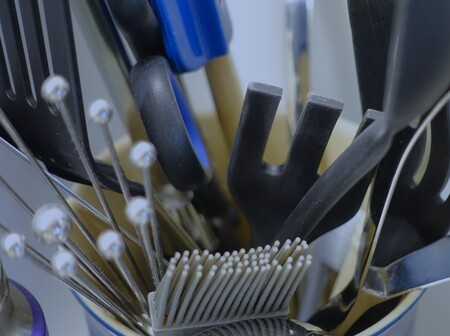
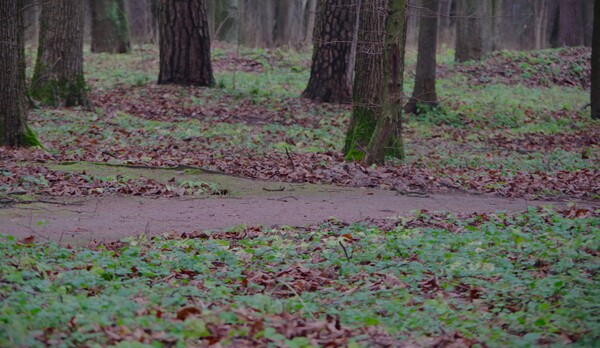
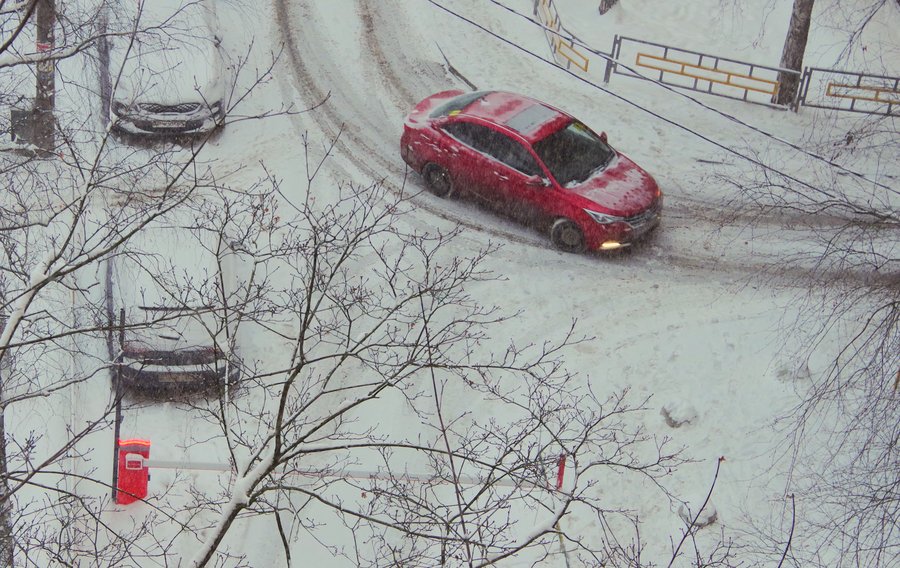
Мария Кочеткова создала проект современной фотографии, включающий в себя серию работ на разные темы и техники. Особенностью проекта является использование экспериментальных методов, таких как нерезкость с помощью вазелина и контраст светлого и темного внутри одной цветовой гаммы.
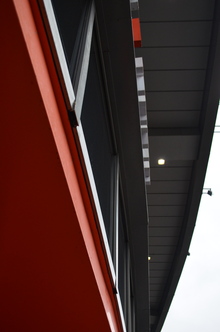
Анастасия Вахтина создала фото-проект, исследующий город как визуальную систему через осознанную режиссуру кадра. Проект включает темы, такие как геометрия, ритм и цветовые контрасты, с акцентом на развитие наблюдательности и композиционного мышления.
We use cookies to improve the operation of the HSE website and to enhance its usability. More detailed information on the use of cookies can be fou...
Show more
Press space bar to start a drag.
When dragging you can use the arrow keys to move the item around and escape to cancel.
Some screen readers may require you to be in focus mode or to use your pass through key
Press space bar to start a drag.
When dragging you can use the arrow keys to move the item around and escape to cancel.
Some screen readers may require you to be in focus mode or to use your pass through key
Press space bar to start a drag.
When dragging you can use the arrow keys to move the item around and escape to cancel.
Some screen readers may require you to be in focus mode or to use your pass through key
Press space bar to start a drag.
When dragging you can use the arrow keys to move the item around and escape to cancel.
Some screen readers may require you to be in focus mode or to use your pass through key
Press space bar to start a drag.
When dragging you can use the arrow keys to move the item around and escape to cancel.
Some screen readers may require you to be in focus mode or to use your pass through key
Press space bar to start a drag.
When dragging you can use the arrow keys to move the item around and escape to cancel.
Some screen readers may require you to be in focus mode or to use your pass through key
Press space bar to start a drag.
When dragging you can use the arrow keys to move the item around and escape to cancel.
Some screen readers may require you to be in focus mode or to use your pass through key
Press space bar to start a drag.
When dragging you can use the arrow keys to move the item around and escape to cancel.
Some screen readers may require you to be in focus mode or to use your pass through key
Press space bar to start a drag.
When dragging you can use the arrow keys to move the item around and escape to cancel.
Some screen readers may require you to be in focus mode or to use your pass through key
Press space bar to start a drag.
When dragging you can use the arrow keys to move the item around and escape to cancel.
Some screen readers may require you to be in focus mode or to use your pass through key
Press space bar to start a drag.
When dragging you can use the arrow keys to move the item around and escape to cancel.
Some screen readers may require you to be in focus mode or to use your pass through key
Press space bar to start a drag.
When dragging you can use the arrow keys to move the item around and escape to cancel.
Some screen readers may require you to be in focus mode or to use your pass through key
Press space bar to start a drag.
When dragging you can use the arrow keys to move the item around and escape to cancel.
Some screen readers may require you to be in focus mode or to use your pass through key
Press space bar to start a drag.
When dragging you can use the arrow keys to move the item around and escape to cancel.
Some screen readers may require you to be in focus mode or to use your pass through key
Press space bar to start a drag.
When dragging you can use the arrow keys to move the item around and escape to cancel.
Some screen readers may require you to be in focus mode or to use your pass through key
Press space bar to start a drag.
When dragging you can use the arrow keys to move the item around and escape to cancel.
Some screen readers may require you to be in focus mode or to use your pass through key