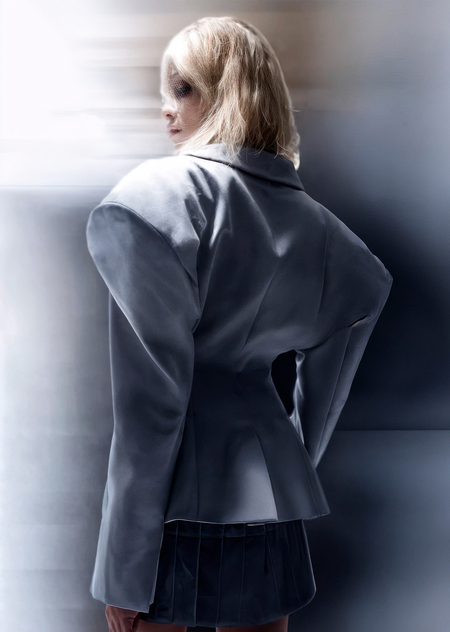
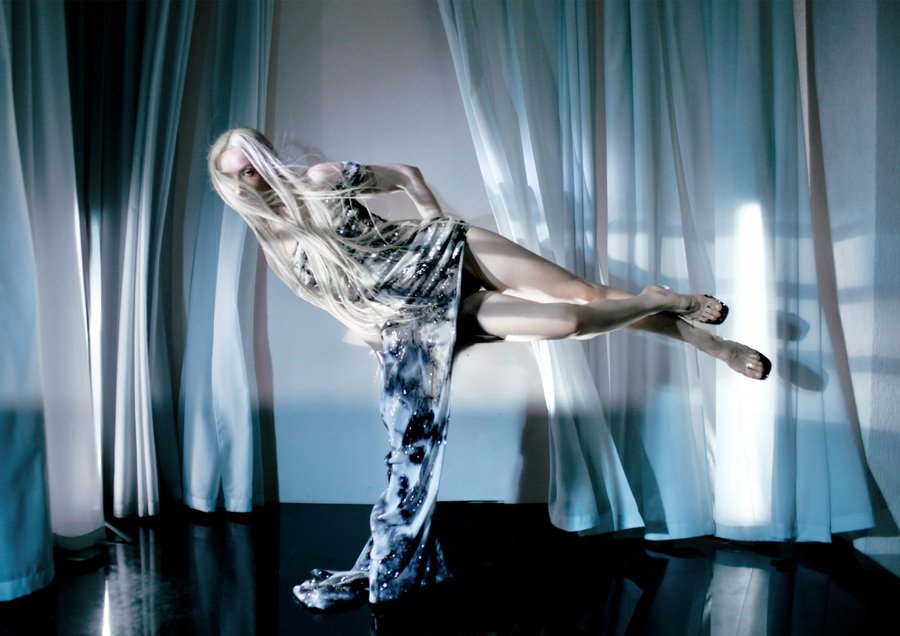
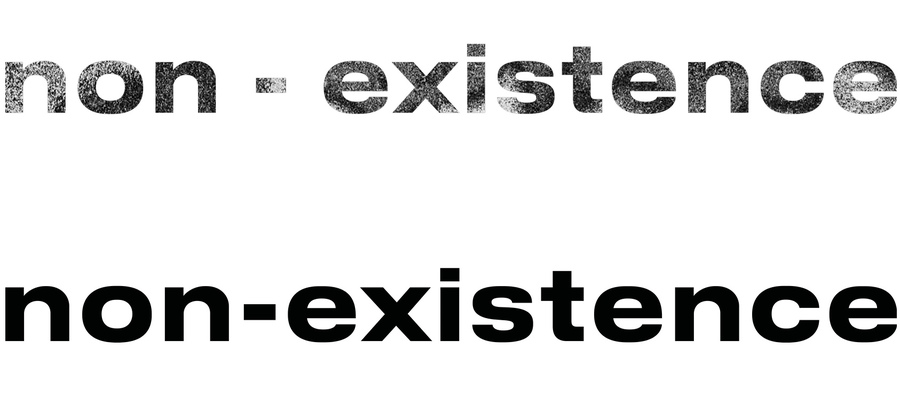
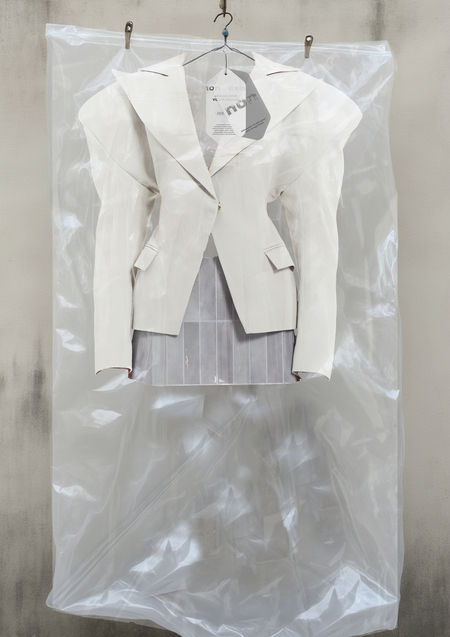
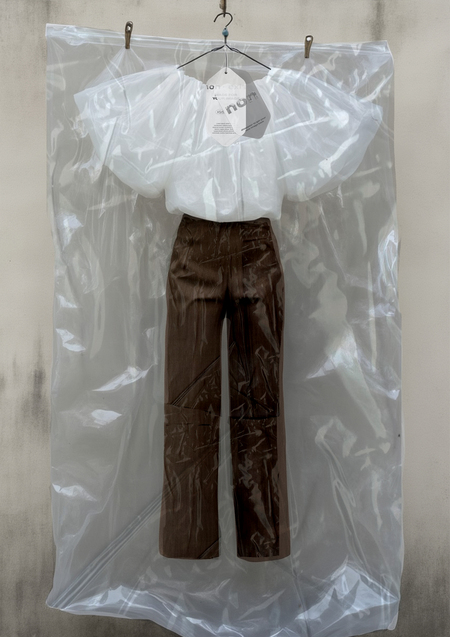
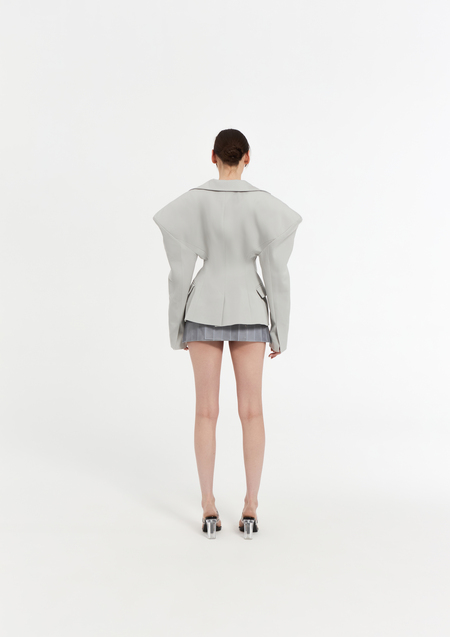
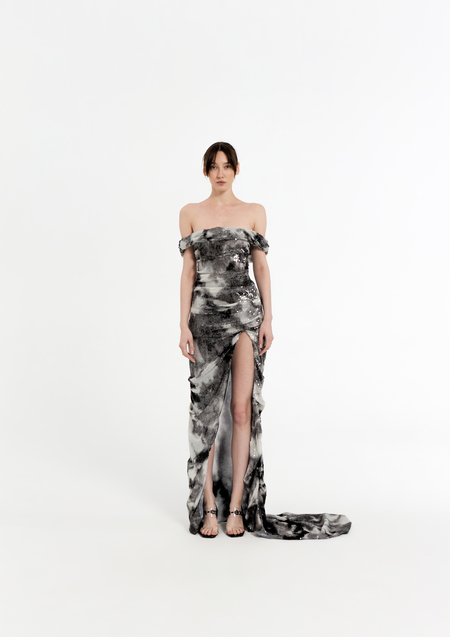
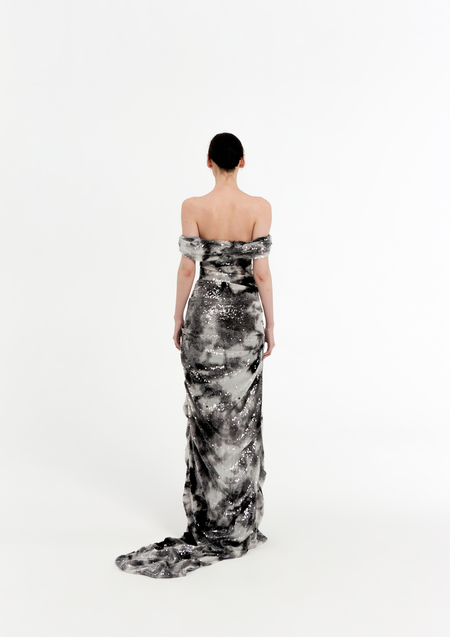
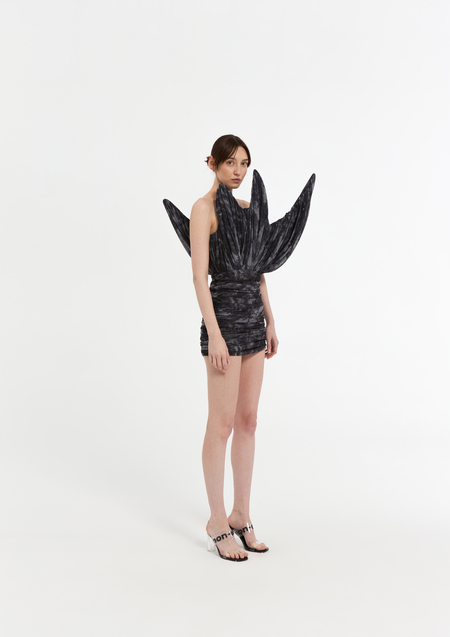
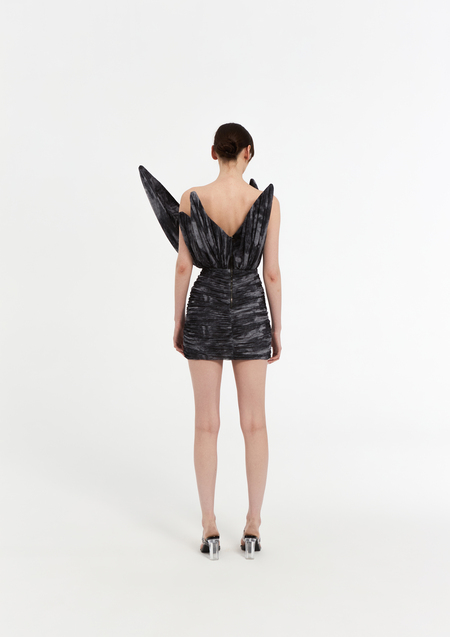
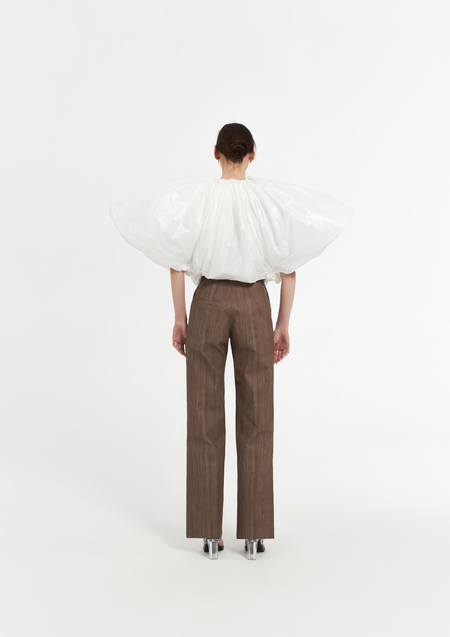
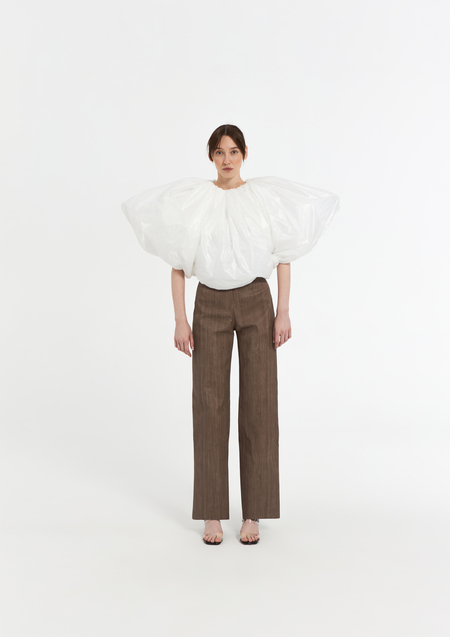
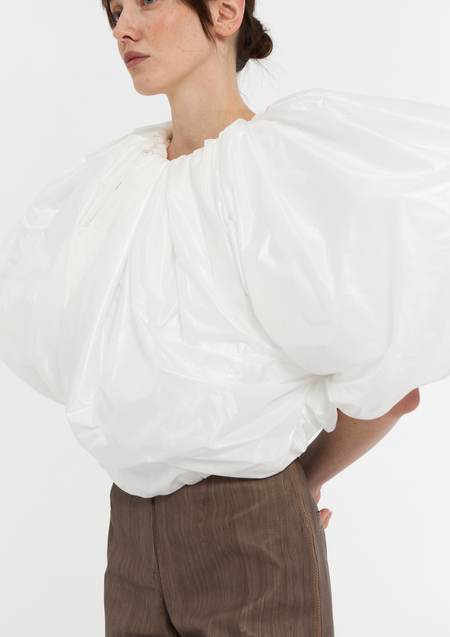
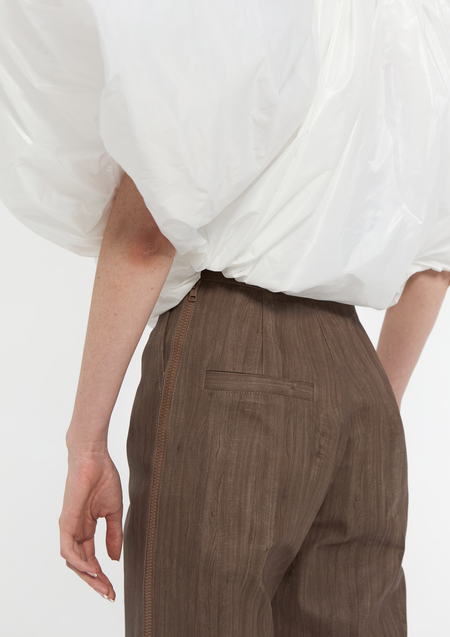
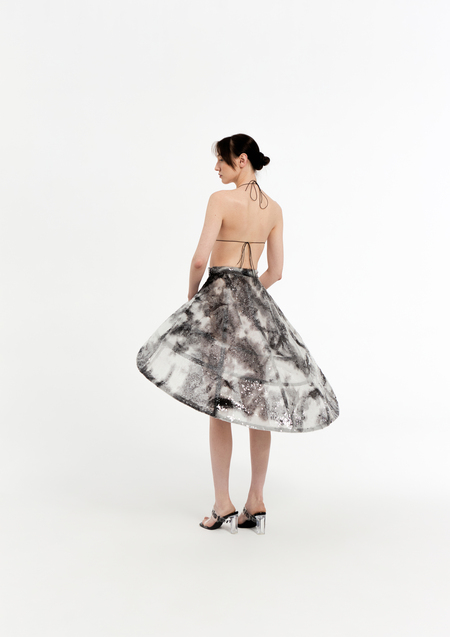
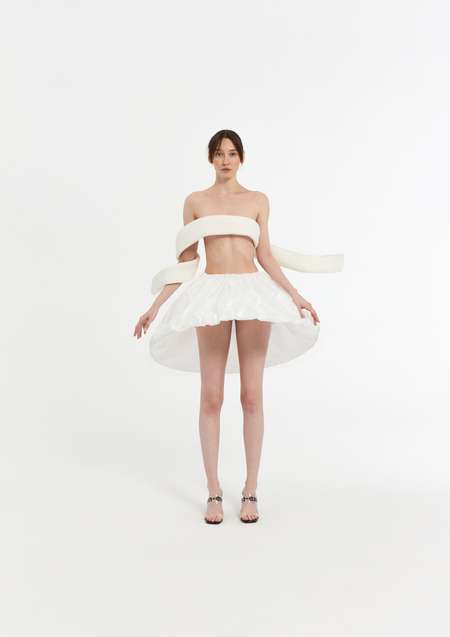
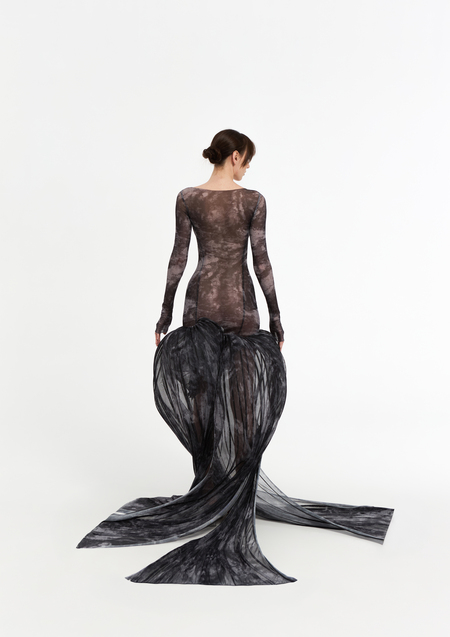
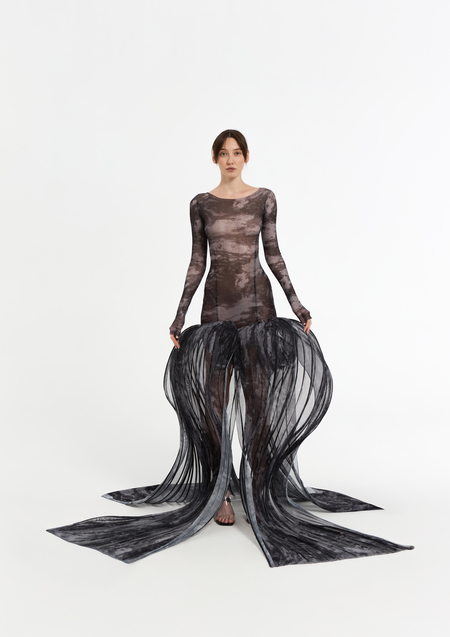
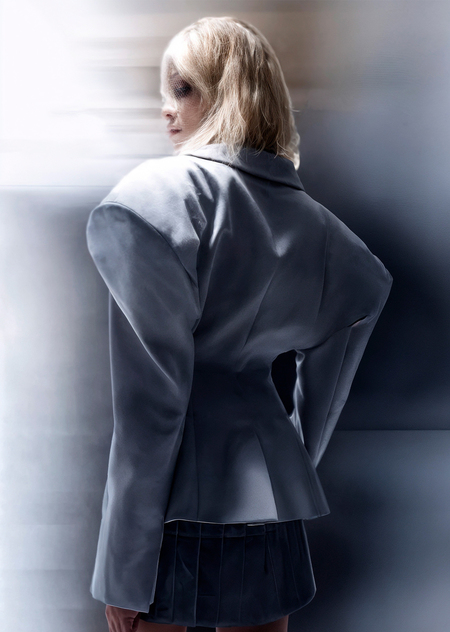
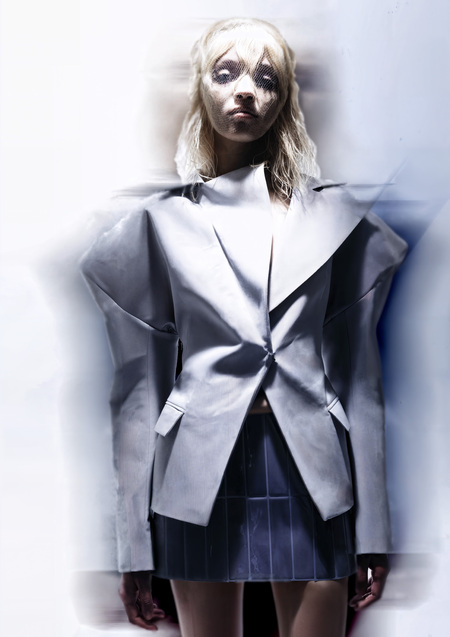
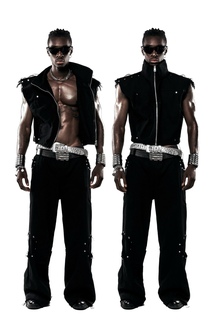
NON — EXISTENCE — это бренд сценической / кутюрной одежды премиум-класса.
Его эстетика строится на грани между видимым
и неуловимым, где одежда становится пространством — эфемерным, структурным, существующим только в моменте.
Это оболочка для артистов, созданная для проявления и растворения на сцене.
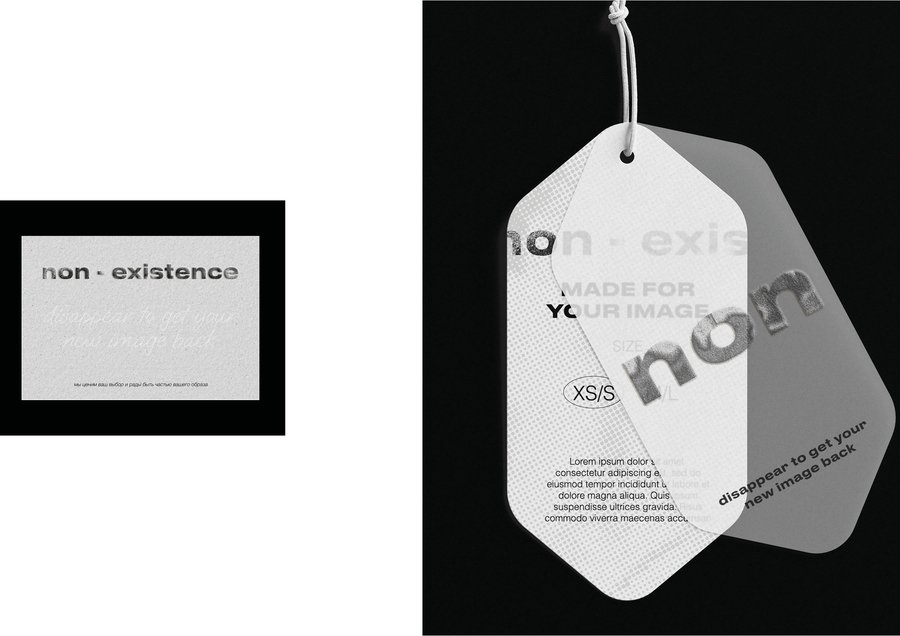
Бренд NON — EXISTENCE. Разработка платформы и коллекции для бренда.
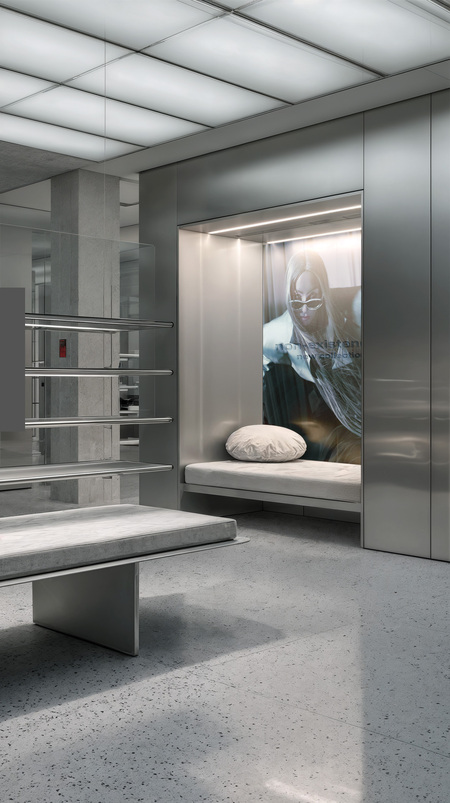
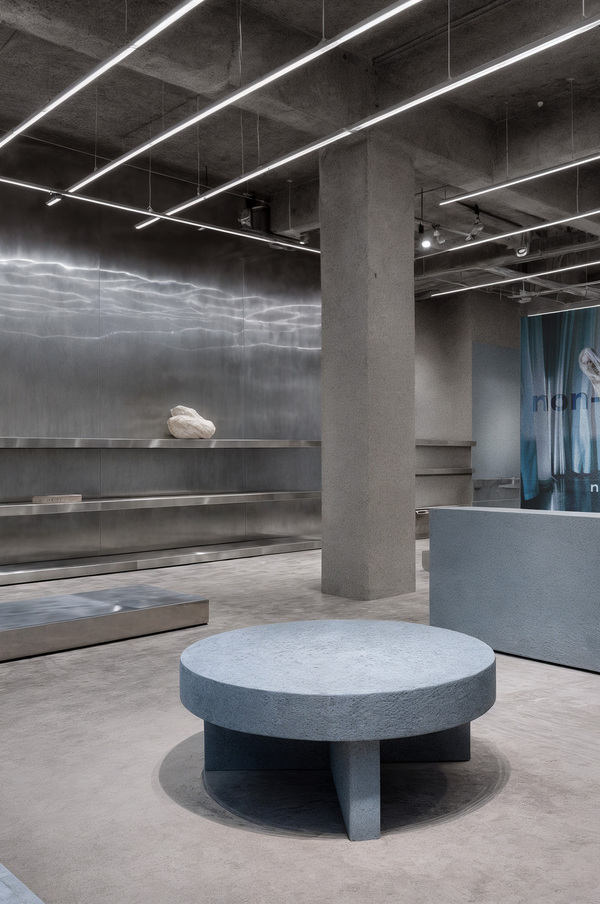
Кристина Щербатых создала платформу и коллекцию для бренда NON - EXISTENCE. Проект включает в себя разработку брендинга, бутика, поп-апа, лукбука и кампании для премиум-сценической одежды.
Владислава Быкова создала проект «OPTICAL MOTION», представляющий собой онлайн-представление женского бренда VLADISLAVA. Проект включает тексты, концепции и визуальные материалы, отражающие идею одежды как живого элемента, меняющегося вместе с носителем.
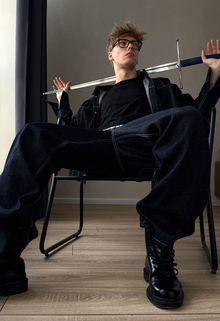
Егор Касилов создал проект «Ghetto Knights», объединяющий образ рыцаря и молодого человека из гетто в модном контексте. Проект представляет собой текстовую публикацию, исследующую синергию маскулинности и стиля в двух противоположных образах.
Ксения Воронина создала концепцию бренда Alexey Gasolinov, сочетающую уличную культуру, искусство и модный дизайн для творческих людей. Проект включает лимитированные дропы, вдохновлённые актуальными культурными событиями и музыкальными течениями, такие как коллекция «Tranquility» и анализ стиля Playboi Carti.
Элен Асланова и Кристина Носкова создали бренд-консалтинг для SOKU, представляющего украшения ручной работы из эпоксидной смолы. Проект включает в себя уникальные элементы природы в дизайне и сотрудничество с музеем-заповедником Коломенское для продвижения сувенирной продукции.
We use cookies to improve the operation of the HSE website and to enhance its usability. More detailed information on the use of cookies can be fou...
Show more
Press space bar to start a drag.
When dragging you can use the arrow keys to move the item around and escape to cancel.
Some screen readers may require you to be in focus mode or to use your pass through key
Press space bar to start a drag.
When dragging you can use the arrow keys to move the item around and escape to cancel.
Some screen readers may require you to be in focus mode or to use your pass through key
Press space bar to start a drag.
When dragging you can use the arrow keys to move the item around and escape to cancel.
Some screen readers may require you to be in focus mode or to use your pass through key
Press space bar to start a drag.
When dragging you can use the arrow keys to move the item around and escape to cancel.
Some screen readers may require you to be in focus mode or to use your pass through key
Press space bar to start a drag.
When dragging you can use the arrow keys to move the item around and escape to cancel.
Some screen readers may require you to be in focus mode or to use your pass through key
Press space bar to start a drag.
When dragging you can use the arrow keys to move the item around and escape to cancel.
Some screen readers may require you to be in focus mode or to use your pass through key
Press space bar to start a drag.
When dragging you can use the arrow keys to move the item around and escape to cancel.
Some screen readers may require you to be in focus mode or to use your pass through key
Press space bar to start a drag.
When dragging you can use the arrow keys to move the item around and escape to cancel.
Some screen readers may require you to be in focus mode or to use your pass through key
Press space bar to start a drag.
When dragging you can use the arrow keys to move the item around and escape to cancel.
Some screen readers may require you to be in focus mode or to use your pass through key
Press space bar to start a drag.
When dragging you can use the arrow keys to move the item around and escape to cancel.
Some screen readers may require you to be in focus mode or to use your pass through key
Press space bar to start a drag.
When dragging you can use the arrow keys to move the item around and escape to cancel.
Some screen readers may require you to be in focus mode or to use your pass through key
Press space bar to start a drag.
When dragging you can use the arrow keys to move the item around and escape to cancel.
Some screen readers may require you to be in focus mode or to use your pass through key
Press space bar to start a drag.
When dragging you can use the arrow keys to move the item around and escape to cancel.
Some screen readers may require you to be in focus mode or to use your pass through key